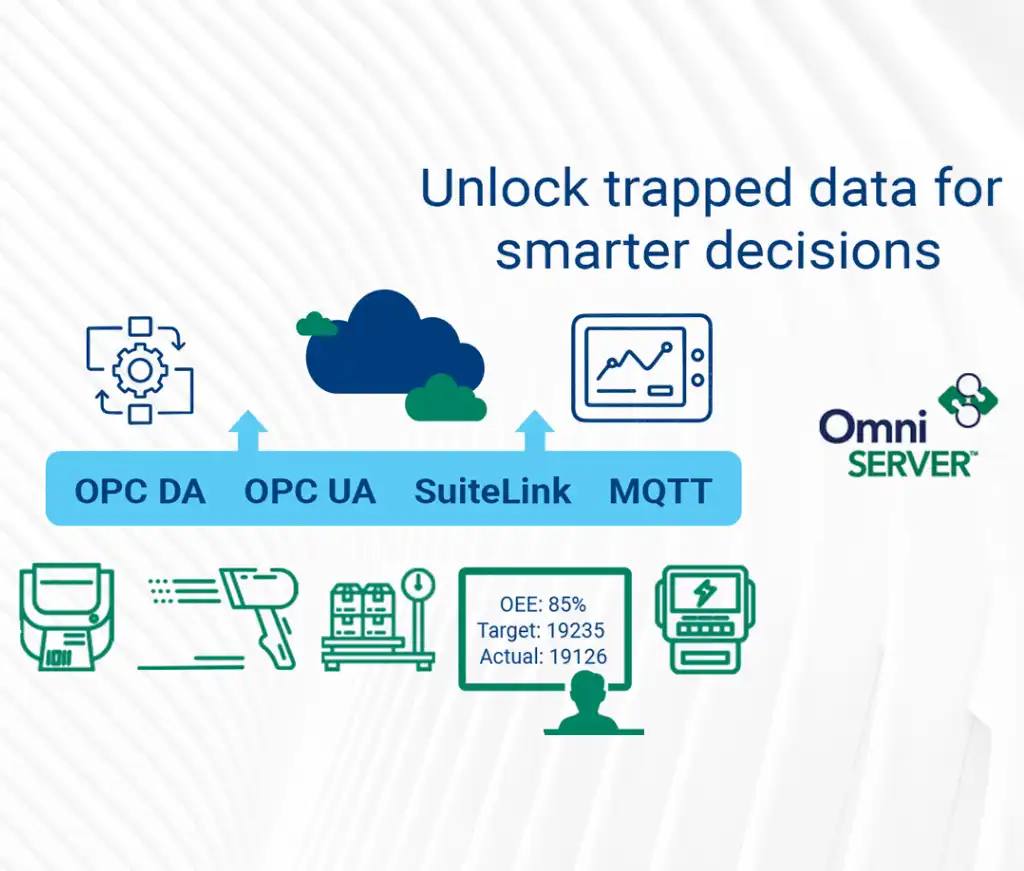
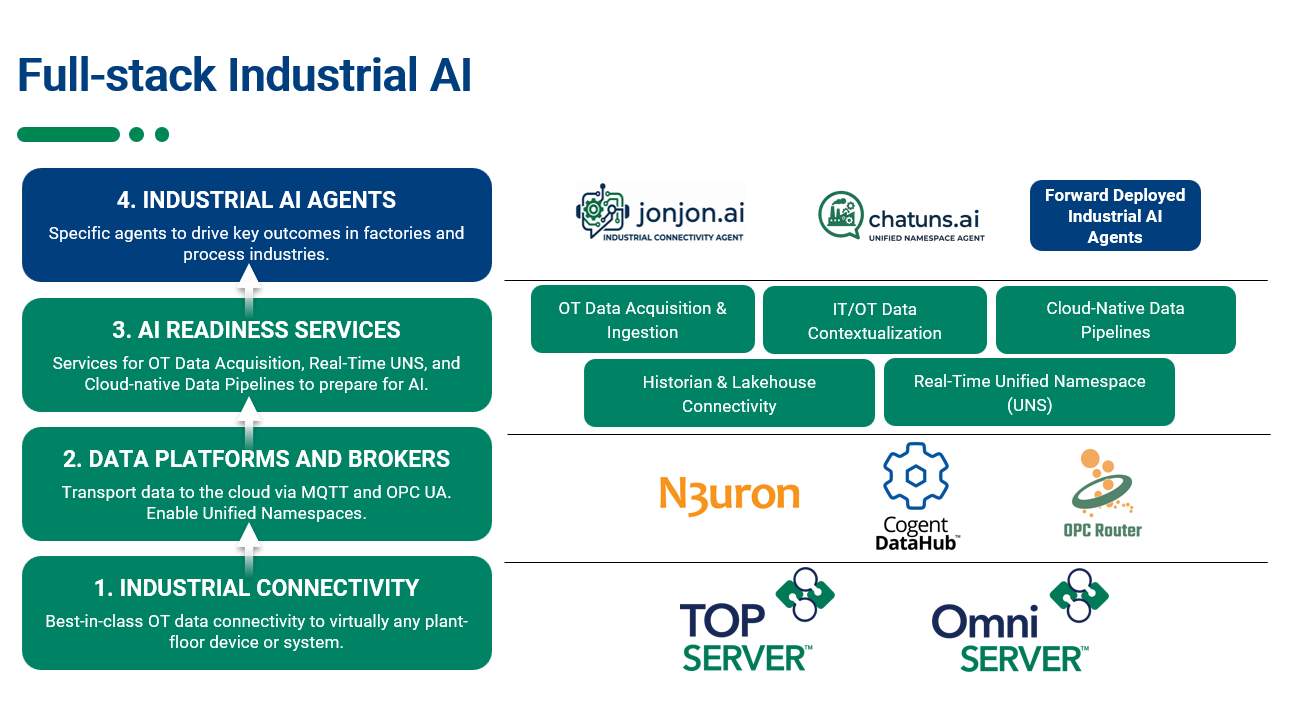
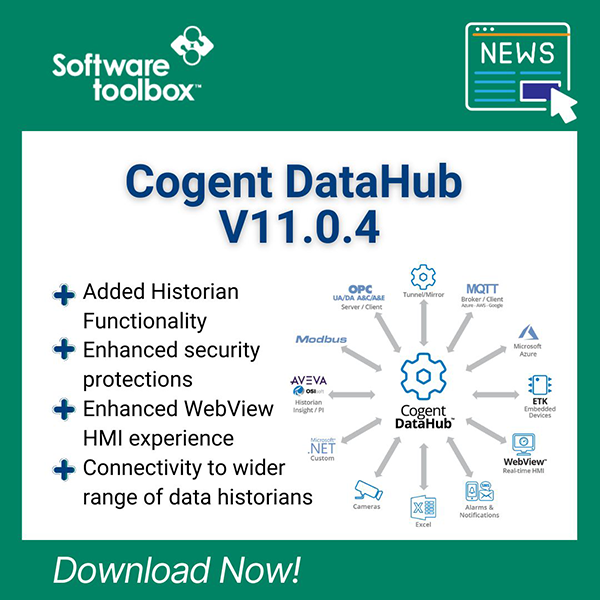
While Halloween and this time of year offers a few good scares, our customers in manufacturing face year-round nightmares that are far less fun: connectivity issues that stop production and unreliable data collection that restricts their ability to make informed decisions.
When your SCADA system can't communicate with your PLCs, your MES is missing critical data, and your operators are working without visibility into what's actually happening on the production floor, you're dealing with the kind of problems that lead to unplanned downtime, missed targets, and lost productivity.
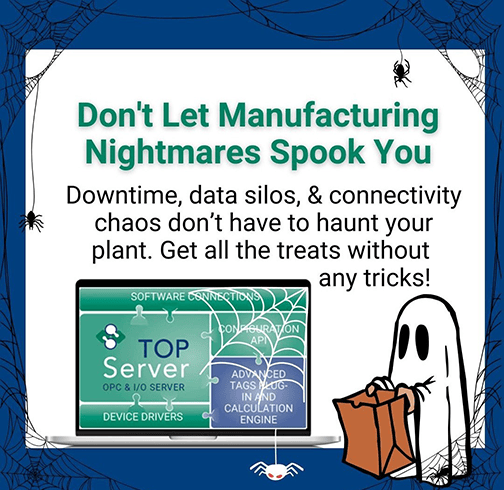
In this post, we'll run through how our TOP Server handles common connectivity challenges, cover some practical tips for getting the most out of your setup, and show you how using remote configuration tools can simplify management across multiple servers, which all enable you to focus on production instead of troubleshooting communication nightmares.
The Reality of Manufacturing Connectivity Challenges
In today's manufacturing environments, you're dealing with equipment from multiple vendors, each potentially using different communication protocols. Maybe your Allen-Bradley PLCs need to talk to your Siemens PLCs. Your Fanuc robots need to feed data to your MES. Your legacy Modbus devices need to integrate with your modern SCADA system. These are all scenarios that we address every single day. When connectivity breaks down, you face three major issues:
- Data Silos: Critical information gets trapped in isolated systems where it can't reach the people and applications that need it. Your MES might be missing production counts from the line. Your SCADA might not be seeing temperatures from a critical process. This isolation prevents you from making informed decisions.
- Unplanned Downtime: Without visibility into what's happening on your equipment, troubleshooting becomes a time-consuming process. By the time you identify the problem, you've already experienced significant production loss.
- Complex Integration Projects: Trying to connect diverse devices often means juggling multiple software drivers, dealing with compatibility issues, and investing significant engineering time just to get basic communication working.

TOP Server: A Centralized Connectivity Platform
TOP Server acts as a universal translator for industrial data. With support for over 100 protocols and compatibility with major vendors like Rockwell, Siemens, Mitsubishi, Fanuc, and Omron, it ensures your HMI, SCADA, MES, Historians, and ERP systems can access the data they need reliably.
- One Server, Multiple Protocols: Instead of piecing together multiple drivers from different vendors, TOP Server provides a single platform that handles connectivity across your entire plant. The NEW Advanced Manufacturing Suite covers all protocol drivers in one package, simplifying the procurement process and allowing for simple growth.
- Built-in OPC UA Support: OPC UA has become the standard for secure, standardized industrial communication. TOP Server includes native OPC UA support, providing encryption and authentication to keep your data secure while ensuring compatibility with modern industrial applications.
- Scalable Architecture: Whether you're connecting a few dozen devices or managing thousands of data points across multiple production lines, TOP Server scales to meet your needs. The architecture is designed to handle growth without requiring you to rethink your connectivity strategy.
- Capable Tech Support: Even with a great product, sometimes the unexpected still happens. When it does, you are backed by a knowledgeable tech support team that is ready to help quickly and effectively. Be sure to maintain your Support and Maintenance Agreement, so you always have that peace of mind.
Practical Tips for Maximizing TOP Server
Even with TOP Server's capabilities, following best practices will help you get the most out of your implementation:
Plan Your Data Architecture:
Before you start configuring, map out which systems need data and how frequently they need updates. Understanding your data flow prevents bottlenecks and ensures you're polling devices at appropriate intervals. Over-polling wastes network bandwidth and device resources, while under-polling might miss critical data changes.
Implement OPC UA Where Possible:
If you haven't already migrated to OPC UA, now is the time to make the transition. OPC UA provides built-in security features including encryption and authentication that aren't available with older protocols like OPC DA. Many modern industrial applications only support OPC UA connections, so planning this migration now ensures future compatibility.
Use Built-in Diagnostics:
TOP Server includes comprehensive diagnostic tools that help you identify communication issues easily and effectively. The Communication Diagnostics feature, for example, lets you see exactly what requests are being sent to devices and what responses are coming back. This visibility is invaluable when troubleshooting or optimizing performance.
Keep Your Software Current:
Each new version of TOP Server can include compatibility updates for new device firmware, security patches, performance improvements, and new functionality. Maintaining your Support and Maintenance Agreement and establishing a regular upgrade schedule ensures you have access to the latest features and maintains compatibility as you upgrade other systems in your plant.
Remote Configuration for Distributed Environments
If you're managing multiple TOP Server instances, the Software Toolbox OPC Server Remote Configuration Client can significantly reduce the time you spend on configuration management. This tool allows you to configure and manage TOP Server remotely without needing to be physically at the server or use remote desktop connections.
Centralized Management: Instead of traveling to each server location or maintaining multiple remote desktop sessions, you can configure TOP Server instances from a single workstation. This is particularly valuable if you have standardized configurations that need to be deployed across multiple production lines or facilities.
Real-Time Configuration Changes with Audit Trail: The Remote Configuration Client connects to TOP Server's configuration interface over your network, allowing you to make changes and see the results immediately. You can add new devices, modify communication settings, and have an audit log of all changes without interrupting your workflow or requiring physical access to the server.
If you're already comfortable configuring TOP Server locally, you'll find the remote configuration experience familiar and straightforward.
Addressing Your Connectivity Challenges
If you're still dealing with connectivity challenges that feel like a real-life nightmare, now is the time to make a change. TOP Server provides proven benefits in terms of configuration flexibility, device compatibility, and overall system reliability.
Learn more and download the latest version here
Your manufacturing environment should be predictable and controlled, not haunted by communication failures and unexpected downtime. TOP Server provides the connectivity foundation that lets you focus on production instead of troubleshooting – no tricks, just reliable connectivity.
If you run into any problems or have questions about TOP Server configuration or capabilities, please feel free to contact our technical team.
Don't forget to subscribe to our blog to find out about the latest updates to TOP Server and for other useful tutorials and resources.
Ready to try TOP Server with your devices? Download the fully functional free trial.