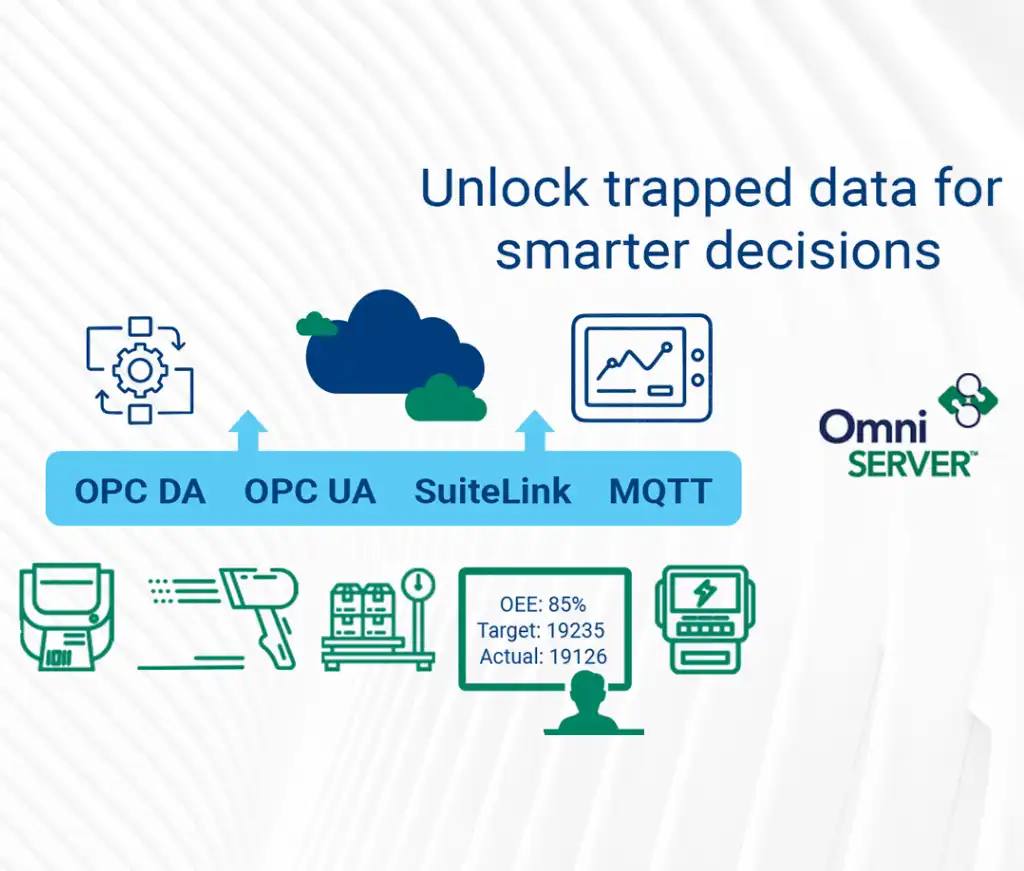
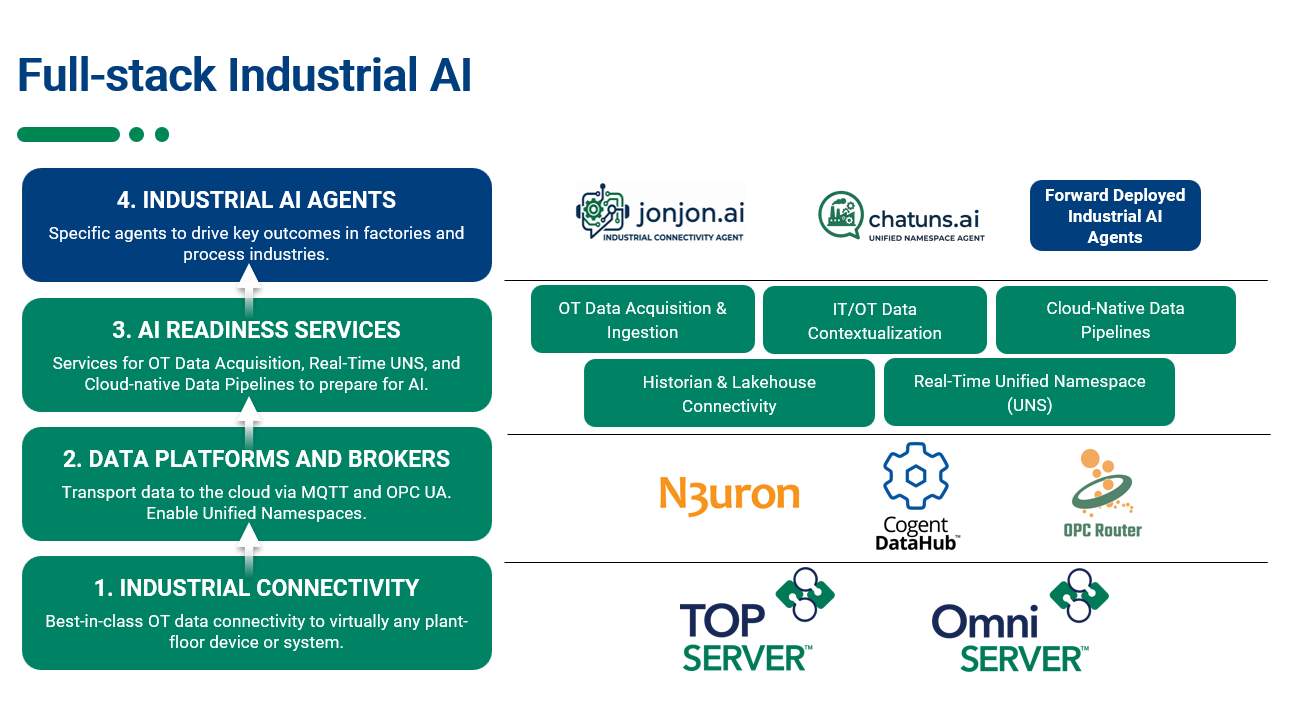
OmniServer is a universal data acquisition application designed to bi-directionally exchange data with a wide range of Ethernet, serial, or USB devices that use “non-standard protocols” such as weigh scales, barcode readers, lab instruments, inspection machines, printers, and more.
The wide range of connectivity options enable OmniServer to send that data to HMI, SCADA, MES, or Historian systems using standard interfaces like OPC DA, OPC UA, and AVEVA SuiteLink. It also has an optional MQTT Client Plug-In that allows users to publish data to MQTT Brokers.

In simple terms, if you have a device protocol document that defines the format of its commands and responses, there is a high probability that OmniServer can be configured to communicate with your device.
Simplifying Non-Standard Device Integration
For new users, the idea of translating a device manual or protocol document into an OmniServer protocol can seem intimidating at first. The good news is that OmniServer makes this process far easier than writing custom code, especially once you understand its basic structure and workflow.
Barcode scanners are common across industries from manufacturing and packaging to logistics and quality control. In this video, I walk through the steps for connecting a Datalogic barcode scanner with a client application using OmniServer, a process that is similar to connecting other device types like scales, RFID systems, and sensors.
Tutorial: Integrating Your Datalogic Barcode Scanner with OmniServer
In this tutorial, I demonstrate:
- How to connect a Datalogic barcode scanner to OmniServer using a virtual COM port.
- How to create a simple OmniServer protocol for the scanner.
- How to configure topics in OmniServer to use that protocol and COM port.
- A live demo of scanned barcodes instantly appearing in the client application.
OmniServer’s flexibility provides powerful functionality for connecting a wide range of devices. To help jump-start your projects, we have compiled a set of resources and tools to make getting started faster and easier. (For specific posts dealing with protocol design and protocol document interpretation, click here.)
Try OmniServer Today: Connect Non-Standard Devices Effortlessly
We hope this video gives you a clear understanding of just how easy it can be to connect to your ‘non-standard’ devices using OmniServer. Explore our OmniServer Learning Resources for more tutorials, videos, and guides to help you start collecting and delivering data where it’s needed.
As always, please contact our solutions team with any questions and don’t forget to subscribe to our blog to find out about the latest updates to OmniServer.

Ready to try it yourself? Download the fully functional free trial.