Software Toolbox Technical Blog

OPC Router Basic Training - Connecting SQL to OPC Data Sources

2 min read

By Marc Holbach on Jul 9, 2020 2:00:00 PM

Logging industrial process data to a database such as Microsoft SQL is a common requirement of many projects across industries.  One of the key applications for storing industrial process data is providing historical context and reporting of the process so that better decisions can be made.

In Part 1 of our OPC Router Basic Training series, we will cover step-by-step how to easily connect to OPC UA and DA data sources to SQL databases for logging process data with the OPC Router.


Continue Reading

Why use an OPC Server Development Toolkit?

8 min read

By Ganesh Kalipershad on Jun 25, 2020 2:00:00 PM


As technical consultants at Software Toolbox, we are often approached by users who need to expose data from a software application they have written, or are writing, to communicate from systems they own to a client, HMI/SCADA, or historian. And, in many cases, there are dozens of applications at different sites that the data needs to reach. The question we are then presented with is, “how can I accomplish this quickly and efficiently while staying within budget?” 

Continuing our OPC Development Toolkits blog series, our hope is to answer this question and share from our experience with OPC since 1996, what our users have told us are the common reasons why they chose to use a commercial OPC server toolkit, and to help readers determine what factors to consider for their specific situation and circumstances.

In the first part of this series, we covered the basics of commercial OPC client development toolkits, with a dive into the benefits of using one, while here in part 2, our focus is on OPC server development toolkits. If you read our blog on OPC client toolkits, you will likely notice a clear overlap in the benefits you gain from using both types of commercial OPC toolkits.

Continue Reading

Why use an OPC Client Development Toolkit?

8 min read

By Ganesh Kalipershad on May 21, 2020 2:00:00 PM


A common question we are asked as technical consultants at Software Toolbox is “why should I use an OPC toolkit when there is free sample code and other free solutions available to me?” That’s a fair and logical question, but this post takes a different approach. 

Instead, with this 2-part blog series, our hope is to share from our experience with OPC since 1996, what our users have told us are the common reasons why they chose to use a commercial OPC toolkit, and to help readers determine what factors to consider for their specific situation and circumstances.

In the first part of this blog series on OPC development toolkits, we will cover the basics of commercial OPC Client Development Toolkits, with a dive into the benefits of using one, while in part 2, we will look at OPC Server Development Toolkits.

Continue Reading

Tech Support Corner: Protecting Your TOP Server OPC UA Process Data

6 min read

By Tyler Lindsey on May 14, 2020 2:00:00 PM


With the rising security demands of Industry 4.0, OPC UA provides us with the means to encrypt data as it is transferred between client and server. But what if encrypting data to prevent outside extraction is not enough? What if UA client applications become compromised? What tools do we have to protect against deliberate or even accidental manipulation or consumption of data?

Continuing our Tech Support Corner blog series, this post covers how to leverage the built-in TOP Server User Group Security settings, alongside OPC UA username and password authentication, for greater control over which users have read/write capabilities as well as what tags a user is permitted to access.

Continue Reading

Exploring OPC UA - Key Concepts of a Layered Security Model

5 min read

By Marc Holbach on May 7, 2020 2:00:00 PM


So far in our ongoing Exploring OPC UA blog series, we have taken a primarily general look at OPC UA Certificates and how they are used by OPC UA clients and OPC UA servers to keep industrial data secure.

In this third post of the series, we'll take a step back and look at OPC UA security in general with respect to the layered approach that is employed to cover aspects such as authentication, confidentiality and the integrity of communications.

Continue Reading

Accessing AVEVA (formerly Wonderware) from OPC UA Clients with DataHub

2 min read

By Kevin Rutherford on Apr 23, 2020 2:00:00 PM


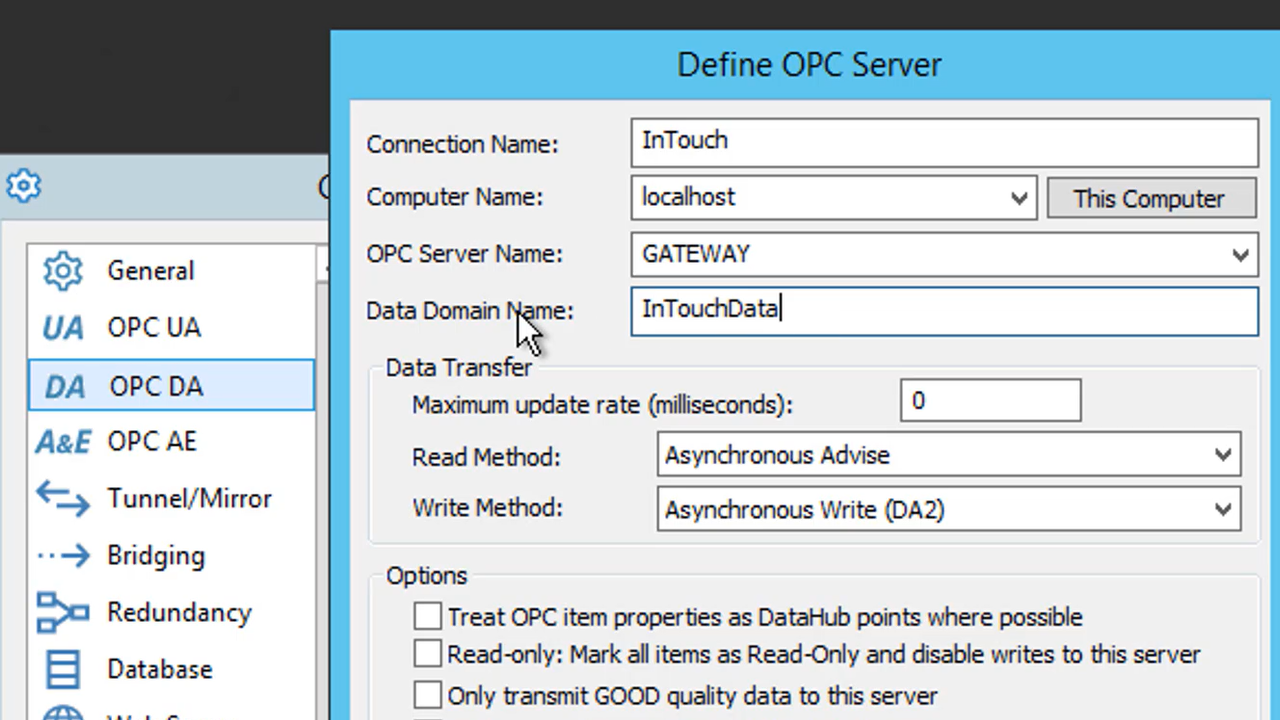
Cogent DataHub supports a wide range of connectivity interfaces for different data sources such as OPC UA, OPC DA, ODBC, DDE and so much more.  With those interfaces, DataHub is a flexible gateway commonly used for data integration by external software such as HMI, SCADA, MES, historians and other client applications.

In this video blog, I'll show you how to access data from AVEVA InTouch (formerly Wonderware) or AVEVA System Platform (formerly Wonderware) from OPC UA clients supporting the Data Access profile using the DataHub OPC Gateway.

Continue Reading

Top 3 TOP Server OPC UA Client Use Cases

5 min read

By Kevin Rutherford on Apr 16, 2020 2:00:00 PM


Standards-based industrial device connectivity such as OPC has become the norm over the last 20 years.  What used to be achieved by individual HMI/SCADA vendors with their own native drivers can now be easily accomplished with OPC drivers that are HMI/SCADA vendor agnostic.  TOP Server offers connectivity to thousands of device types and protocols while making those devices accessible via a variety of standard interfaces including OPC UA, OPC DA and SuiteLink.

But what you may not be aware of is that TOP Server for Wonderware has an available driver suite called the OPC Client Suite that allows it to also act as an OPC UA client, OPC DA client and OPC XML-DA client.  In this post, I'm going to go through the top 3 most common use cases for the OPC Client Suite that we see users take advantage of.

Continue Reading

Video Tutorial: Using OmniServer with Ignition SCADA via OPC UA

2 min read

By Kevin Rutherford on Mar 26, 2020 2:00:00 PM


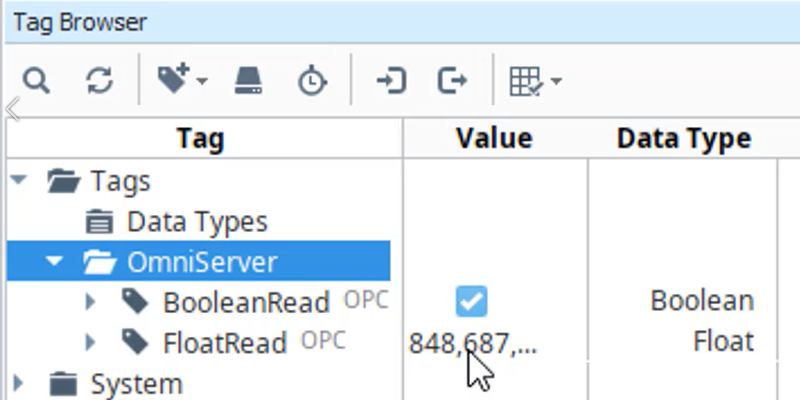
OmniServer's connectivity and data parsing capabilities are its primary job; however, they are only the part of how OmniServer helps with integrating non-standard devices with Inductive Automation's Ignition HMI/SCADA.  How does the device data actually make it into Ignition?

In this video blog, I'll show you how to make an OPC UA client connection from Ignition to OmniServer for integrating process data from all of your "other" devices that don't have a standard, off-the-shelf driver - and all without the expense and headaches of having to write custom code.

Continue Reading

About this Blog

We're engineers like you, so this blog focuses on "How to" appnotes, videos, tech team tips, product update announcements, user case studies, and other technical updates.  Subscribe to updates below. Your feedback and questions on posts are always welcomed.

Subscribe to our Blog

Recent Posts

Posts by Topic

See all