Software Toolbox Technical Blog

Faster LGH File Inspector ROI: More Flexibility & Up to 86% Reduction in Query Times!

6 min read

By Zachary Parham on Oct 20, 2022 2:00:00 PM

The LGH File Inspector software solution enables rapid query and export of Wonderware InTouch LGH files to Excel & CSV for analysis and reporting. Following on the recent LGH File Inspector v3 release a few months ago, the LGH File Inspector has been updated again to Version 3.5.

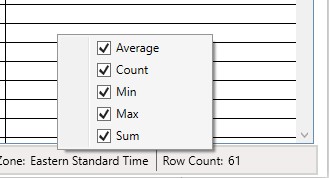
This release is all about “Faster Time to ROI” with much faster queries, ways to add calculated value to the data, and more options for how to view & export data, and access recently run projects. Find out how these updates can benefit you with this technically deep blog post.
Continue Reading

Licensing Enhancements - LGH File Inspector for AVEVA/Wonderware

3 min read

By Win Worrall on Mar 17, 2022 2:00:00 PM

The LGH File Inspector software solution enables rapid query and export of Wonderware InTouch LGH files to Excel & CSV for analysis and reporting. With Version 3.0, the licensing architecture has been redesigned for greater flexibility and ease-of-use.

In this blog post, we'll explain in more detail how the new licensing model benefits new and existing users.

Topics: Wonderware CSV LGH
Continue Reading

Need to Export LGH File Data from a Remote InTouch System?

5 min read

By Marc Holbach on Sep 10, 2020 2:00:00 PM


Many of the great questions in life begin with the word ‘where’. Where do we come from? Where are we going? Where should I install my LGH File Inspector?

While I cannot provide a whole lot of input on the first two questions, I do have some suggestions on where to install your LGH File Inspector.

In this Tech Support Corner blog post, we will explore some common factors that we have seen impact, or drive, the ideal placement of an LGH File Inspector installation – a question that we get quite commonly from users like you.

Continue Reading

LGH History Data Facilitates Predictive Maintenance

3 min read

By Marc Holbach on Oct 3, 2019 2:00:00 PM


If you're interested in LGH history data and are reading this, you likely have your own use case for working with InTouch LGH history files.  Given that LGH files are a classic method for InTouch users to log historical process data, the use cases for LGH history data are similar to any other use cases for historical data.  Trending and predictive analytics can be key methods that utilize historical data for identifying process issues and resolving them in an efficient and cost-effective manner.

This blog post covers a specific use case involving an engineering research student working on a condition and performance monitoring system for subsea hydraulic systems targeted at identifying the health of the system and supporting predictive maintenance.

Continue Reading

3 Reasons to be Excited About LGH File Inspector 2.0 for Wonderware LGH File Analysis

7 min read

By John Weber on Mar 1, 2019 8:14:50 AM

The LGH File Inspector software solution enables rapid query and export of Wonderware InTouch LGH files to Excel & CSV for analysis and reporting. With Version 2.0, user feedback on how they use the tool has been incorporated to add functionality in three major areas: Flexibility, User Experience, and Global User Support.

In this blog post, we review what’s new and why you want to upgrade to Version 2.0, and how you can upgrade.

Topics: Wonderware CSV LGH
Continue Reading

LGH File Inspector Enhances Global Log File and Time Support

1 min read

By Marc Holbach on Dec 6, 2018 2:00:00 PM

The LGH File Inspector is used for many different application types as a way for users to gain added value from Wonderware InTouch local history or LGH files.  With our global user base, it’s common to have different time zone and time format requirements.

In this blog post, we’ll discuss some key enhancements in the LGH File Inspector Version 1.4.2 release that increase flexibility for users with unique time zone and time format needs.

Topics: Wonderware CSV LGH
Continue Reading

Video Tutorial: Conditional Logging to Text File from Non-Standard Devices

2 min read

By Kevin Rutherford on May 3, 2018 2:00:00 PM


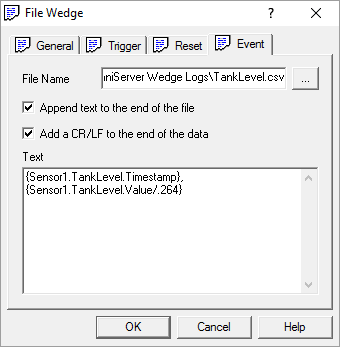
OmniServer Wedges, included with OmniServer Professional Edition, are built-in components providing powerful, supplemental capabilities that expand the functionality of OmniServer beyond its core connectivity and data parsing abilities for non-standard devices.

The OmniServer File Wedge allows you to log your device data to any text file, including CSV, with a highly configurable format and flexible conditions.  And this ability is built into OmniServer, eliminating the need for separate external components.

In this video blog, I'll show you how to get started using the OmniServer File Wedge to easily log process data based on specified conditions, making it possible to monitor trends in your process and easily troubleshoot any issues that are discovered.

Continue Reading

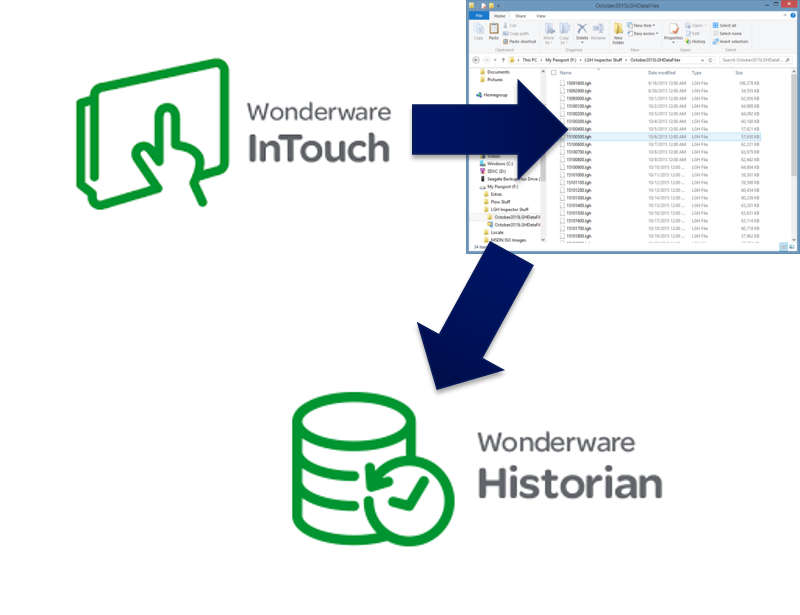
LGH Files Reimagined - New Ways to Leverage InTouch History Files

3 min read

By Kevin Rutherford on Mar 30, 2017 2:00:00 PM


If you're reading this, you likely have some use cases for working with InTouch LGH history files.  A classic way for InTouch users to log historical process data since just about the beginning of InTouch availability, there are still many of you out in the world with some usage of LGH logging to store historical data (or you at least have some legacy files you need to somehow utilize).

This blog post will discuss some unique ways to utilize LGH historical logging beyond the obvious use case of simply historizing process data being collected by InTouch.

Topics: Wonderware CSV LGH
Continue Reading

About this Blog

We're engineers like you, so this blog focuses on "How to" appnotes, videos, tech team tips, product update announcements, user case studies, and other technical updates.  Subscribe to updates below. Your feedback and questions on posts are always welcomed.

Subscribe to our Blog

Recent Posts

Posts by Topic

See all