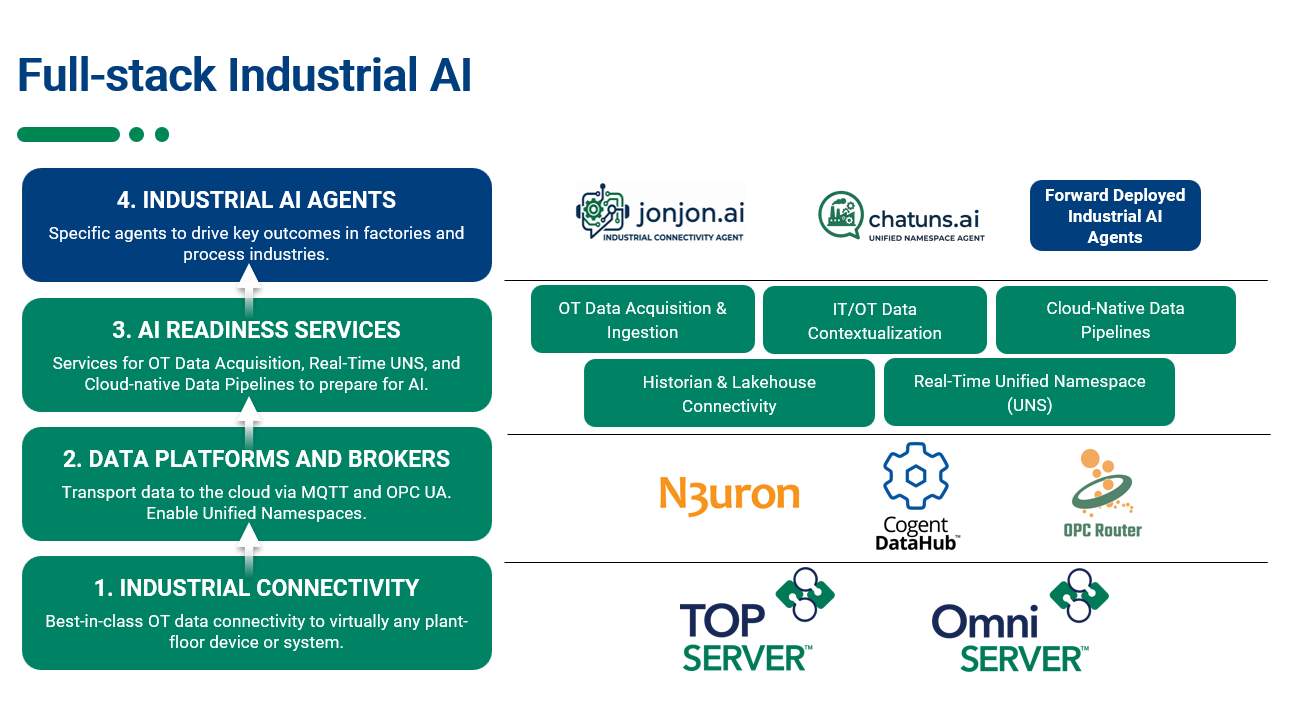
If you've been following along with our latest blog posts, you've probably heard Kepware Edge mentioned alongside the newly released version 7 of TOP Server. The question you may have now is: where does this fit, and how does it apply to me? The goal of this post is to answer this with a brief description and practical overview of Kepware Edge plus some case studies of when it makes sense to use it further below.
Software Toolbox Technical Blog
Kepware Edge for Linux: What It Is & Where It Fits
5 min read
By Ryan Royse on Jan 22, 2026 2:29:59 PM
TOP Server V7 Has Arrived – So What’s New?
4 min read
By Ryan Royse on Dec 4, 2025 2:00:00 PM
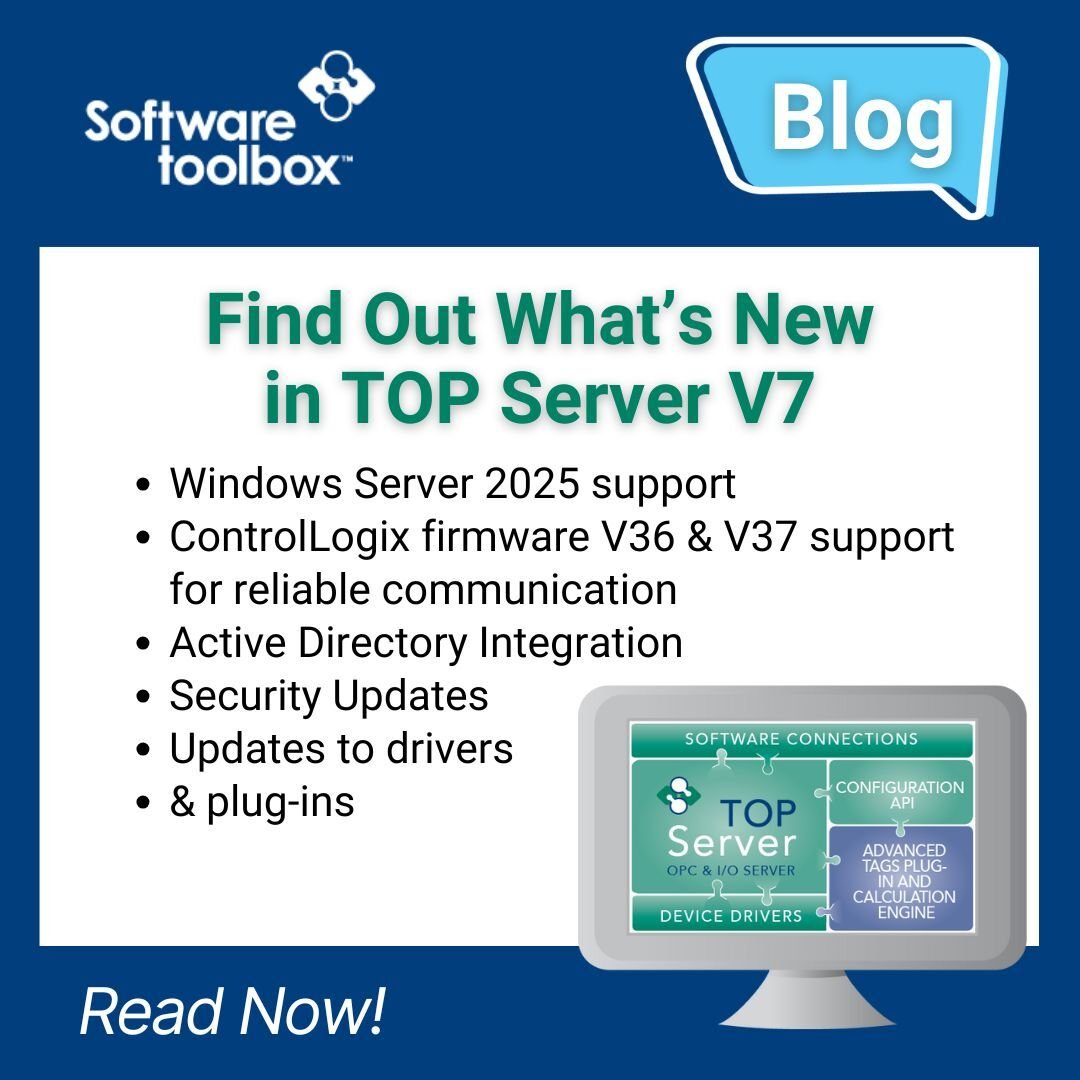
By now, you’ve probably heard that TOP Server V7 has officially landed. Maybe you’ve seen the announcements or caught a quick overview along the way. But if you find yourself wondering, “Okay, but what does this release actually change for me?” you’re in the right place.
While V7 continues to reinforce the stability and reliability TOP Server is known for, this release also introduces several important enhancements aimed at strengthening enterprise deployments, simplifying user management, and modernizing system compatibility. Whether you’re operating on the latest infrastructure or maintaining long-standing environments, V7 delivers meaningful improvements that make deployment more flexible, secure, and future-ready.
Let’s take a closer look at what’s new.
How TOP Server Helps You Avoid Manufacturing Nightmares
6 min read
By Ryan Royse on Oct 30, 2025 4:45:00 PM
While Halloween and this time of year offers a few good scares, our customers in manufacturing face year-round nightmares that are far less fun: connectivity issues that stop production and unreliable data collection that restricts their ability to make informed decisions.
When your SCADA system can't communicate with your PLCs, your MES is missing critical data, and your operators are working without visibility into what's actually happening on the production floor, you're dealing with the kind of problems that lead to unplanned downtime, missed targets, and lost productivity.
In this post, we'll run through how our TOP Server handles common connectivity challenges, cover some practical tips for getting the most out of your setup, and show you how using remote configuration tools can simplify management across multiple servers, which all enable you to focus on production instead of troubleshooting communication nightmares.
UNS Without the Overhaul: Modernizing Industrial Data with Software Toolbox
4 min read
By Ryan Royse on Jul 17, 2025 2:00:00 PM
Welcome to the launch of Software Toolbox’s Summer of IoT blog series for 2025.
In the coming posts, we’ll explore how our solutions support the evolving world of the Industrial Internet of Things (IIoT), and more importantly, how they can help you advance your Industry 4.0 and digital transformation goals with practical, proven tools. We begin the series by exploring Unified Namespace (UNS), what it means, why it matters, and how Software Toolbox makes it practical for real-world industrial environments.
Unified Namespace, Real Results: Lessons and Tools that Deliver
In today’s fast-evolving industrial landscape, seamless connectivity and data integration are critical for operational success. At Software Toolbox, our solutions are designed to empower businesses by enabling UNS connectivity, bridging the gap between diverse systems and helping with efficiency, interoperability, and scalability.
Personally, as a presenter and attendee of ProveIt! 2025 and an attendee of 4.0 Solutions’ Edge Integration to UNS Workshop, I have had a lot of exposure to the topic of UNS this year. In this blog post, I will share not only what I have learned surrounding the topic, but how Software Toolbox’s solutions fit into the picture.
Historical Data Reporting Made Easy with Dream Report and TOP Server
3 min read
By Zachary Parham on May 29, 2025 2:00:00 PM
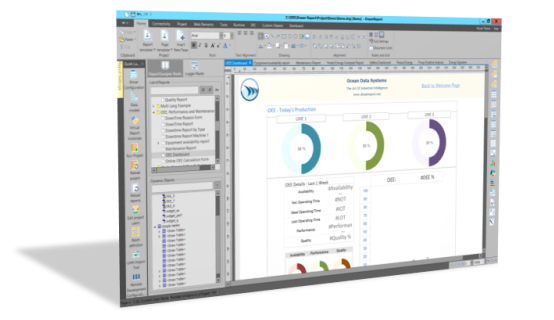
If you’ve ever had to dig into historical data, you know that being able to easily access and understand it is key for gaining insights and decision making. Without the right tools, retrieving and reporting on historical data can quickly turn into a nightmare – leaving you dreaming of a better option. In today’s age of digital transformation, Dream Report gives you easy access to accurate data, allowing you to maintain a competitive edge, make informed decisions, and leave your nightmares in the past.
In this blog post and accompanying video, you’ll learn how to use TOP Server’s Local Historian Plug-In with Dream Report to quickly capture and visualize historical data—revealing hidden trends in just 8 minutes.
Success Story: How a UK Retailer Improved Logistics with Real-Time Data
4 min read
By Jessica Dillon on May 22, 2025 2:00:00 PM
A leading UK retailer, serving millions of customers through an extensive store network, set out to modernize aging infrastructure in its high-throughput distribution centers. Burdened by legacy equipment and unsupported software systems, the organization needed a reliable way to bridge communication gaps without replacing critical machinery.
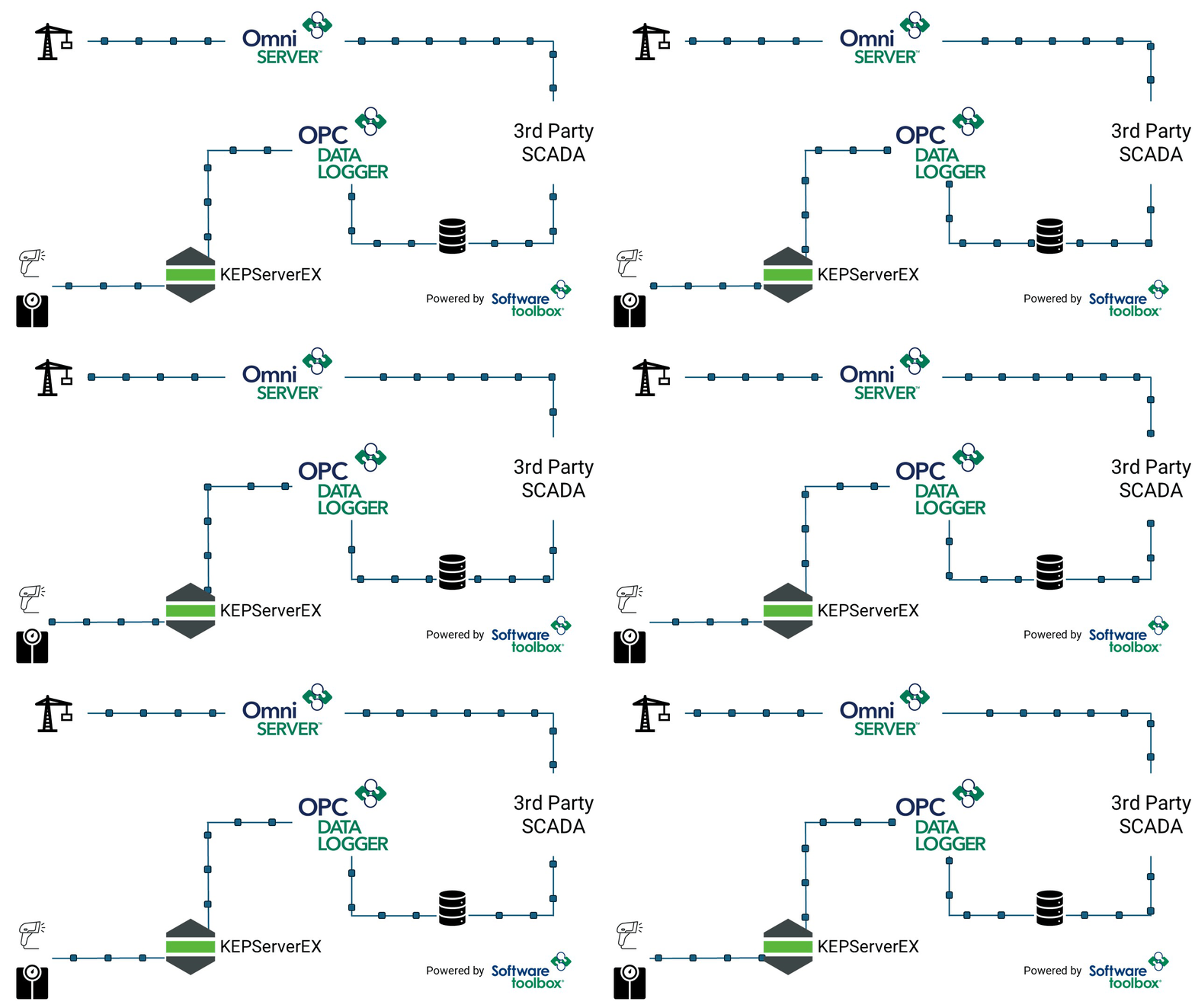
By working with a UK-based system integrator who leveraged OmniServer and OPC Data Logger software applications from Software Toolbox, the retailer achieved real-time visibility, accurate data collection, and the ability to respond quickly to underperformance. The result: improved fulfillment quality, reduced freight waste, and smarter use of transport resources.
Video Tutorial: Get Started with the OPC Server Remote Config Client
3 min read
By Abrey Austin on May 15, 2025 2:00:00 PM
As the Industry 4.0 movement transforms industrial automation, engineers and system administrators are tasked with managing more devices, across more locations, and under tighter security policies. For those working with TOP Server or KEPServerEX, the need for secure and scalable configuration tools has never been more critical.
The OPC Server Remote Configuration Client enables direct configuration of remote TOP Server or KEPServerEX instances from your local machine, eliminating the need for remote desktop sessions, cloud access, or additional agents. Running entirely within your network, it ensures secure user access through the server’s built-in User Manager and offers an optional SQL audit trail for tracking configuration changes such as user identity and value changes.
In this blog, you’ll see how the OPC Server Remote Configuration Client streamlines server management and enhances efficiency in high-security environments, helping accelerate digital transformation throughout your operations.
Securing Oil and Gas Data Exchange with Software Toolbox Solutions
6 min read
By Jay David on May 1, 2025 2:00:00 PM
In the oil and gas industry, data drives everything—from production optimization to regulatory compliance and remote asset management. But in an environment with geographically dispersed assets, legacy equipment, and too often limited network bandwidth, secure data exchange is far from simple.
To stay competitive and compliant, oil and gas operators must bridge the gap between edge devices to control and enterprise systems—safely, reliably, and in real time.
About this Blog
We're engineers like you, so this blog focuses on "How to" appnotes, videos, tech team tips, product update announcements, user case studies, and other technical updates. Subscribe to updates below. Your feedback and questions on posts are always welcomed.
Subscribe to our Blog
Recent Posts
Posts by Topic
- Device Connectivity (204)
- Wonderware (178)
- OPC UA (121)
- Cogent DataHub (110)
- TOP Server (107)
- OPC (103)
- Technical Support (99)
- OmniServer (72)
- Video Tutorials (69)
- OPC Router (51)
- OPC DA (42)
- Protocols (40)
- AVEVA (37)
- Automation 101 (28)
- Security (26)
- MQTT & IoT (24)
- OmniServer Did You Know (24)
- Data Tunneling (23)
- OPC Data Client (22)
- Connectivity (21)
- Development Tools (19)
- IT/OT (18)
- DCOM (17)
- LGH (14)
- OPC Tunnel (13)
- Alarms & Notifications (12)
- Database (12)
- Earth Day (12)
- Summer of IoT (12)
- Exploring OPC UA (11)
- OPC Gateway (11)
- Case Studies (10)
- Dream Report (10)
- EFM (10)
- Oil & Gas (10)
- REST & Web Services (10)
- Reporting (10)
- CSV (9)
- Database & Historian (9)
- Flow (8)
- OPC Integration (8)
- Redundancy (8)
- Sustainability (8)
- AVEVA OPC UA Client (7)
- Modbus (7)
- OPC Router Basic Training (7)
- OPC Server (7)
- SuiteLink (7)
- DataHub Training (6)
- ODBC (6)
- OPC Alarms and Events (6)
- OPC Data Logger (6)
- ProtocolDesign (6)
- xml (6)
- Data Bridging (5)
- Data Logging (5)
- Data Storage Deep Dive (5)
- OPC Conversion (5)
- Data Integration (4)
- InTouch (4)
- Industrial Decisions (4)
- OPC Bridge (4)
- OPC Toolkit Benefits (4)
- OmniServer User Stories (4)
- SLIK-DA (4)
- SQL (4)
- Business Intelligence (3)
- Error Detection (3)
- IT & Infrastructure (3)
- Industry 4.0 (3)
- OPC Redundancy (3)
- OPC Server Remote Config (3)
- Wedges (3)
- Windows (3)
- Collaboration (2)
- ControlLogix (2)
- Excel (2)
- Ignition (2)
- KEPServerEX (2)
- Kepware Edge (2)
- OPC Wizard (2)
- OSIsoft (2)
- Omron (2)
- PGAS (2)
- Predictive Maintenance (2)
- Process Alert (2)
- Scripting (2)
- Store and Forward (2)
- System Integrators (2)
- Building Automation (1)
- ERP (1)
- LGH User Stories (1)
- LRC (1)
- Linux (1)
- Machine Learning (1)
- Mining/Metals (1)
- Omni Flow (1)
- Power & Utilities (1)
- Predictive Analytics (1)
- Process Alerts (1)
- QNX (1)
- Sparkplug B (1)
- Water & Wastewater (1)