

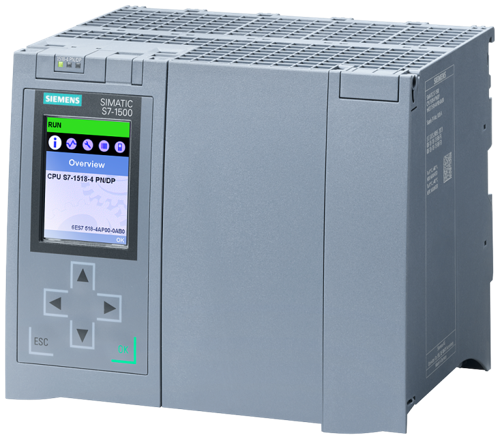
There are some powerful new features now available with TOP Server V6.1. In case you missed it, I did a high-level post giving you an overview of the six biggest features from the V6.1 release - click here to see that post.
Top 6 TOP Server V6.1 Features to Be Excited About
6 min read
You've likely already heard about the latest and greatest TOP Server just released on April 4 – so you've likely received one or more of our mailings announcing the release of TOP Server V6.1.
And I certainly wouldn't blame you for asking, “If I’ve already read those emails, what more is this blog post going to tell me?” I urge you to keep reading to find out more specific details about six of the most exciting features available in TOP Server V6.1.
LGH Files Reimagined - New Ways to Leverage InTouch History Files
3 min read
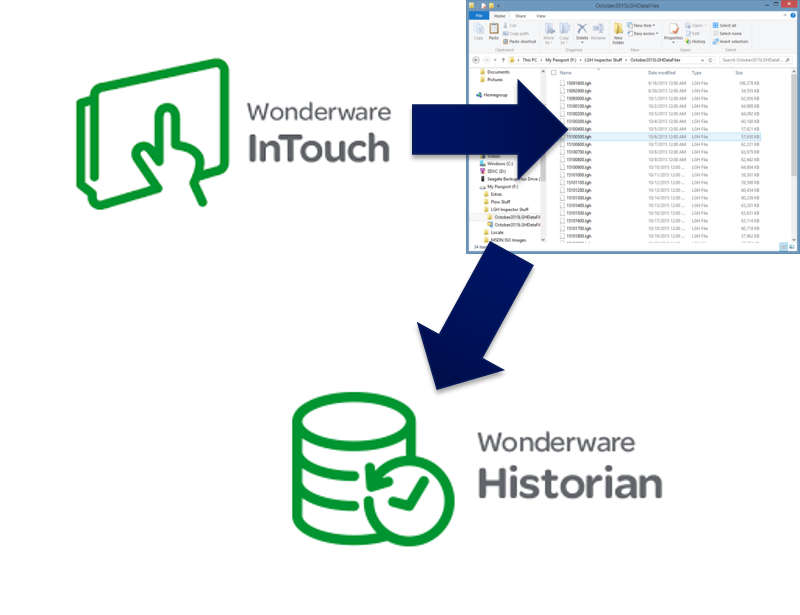
If you're reading this, you likely have some use cases for working with InTouch LGH history files. A classic way for InTouch users to log historical process data since just about the beginning of InTouch availability, there are still many of you out in the world with some usage of LGH logging to store historical data (or you at least have some legacy files you need to somehow utilize).
This blog post will discuss some unique ways to utilize LGH historical logging beyond the obvious use case of simply historizing process data being collected by InTouch.
OmniServer V3.0 - Protocol Message Import/Export
3 min read
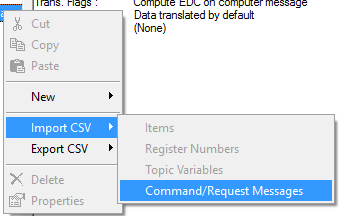
You may have heard about the latest OmniServer release – OmniServer V3.0. OmniServer V3.0 includes enhancements to licensing and support management, as well as, several usability enhancements to the configuration interface including a new topic wizard and updated Configuration User Interface. Well, we've also recently released a subsequent V3.0 build containing support for CSV import/export of protocol Command/Response Messages.
Continuing our blog series about specific V3.0 features - this blog post will detail the new import/export functionality designed to increase your efficiency and the ease mass editing protocol messaging on larger protocols when you're working with OmniServer to integrate your non-standard process devices.
TOP Server Features to Be Excited About - Water & Wastewaster
5 min read

If you've ready any of my other recents posts regarding specific industries, you already understand how one of TOP Server's primary differentiators is the wide variety of different drivers/protocols to choose from for communicating with the multitude of device makes and models out there in the automation world. Drivers for all of the major PLCs in manufacturing like Allen-Bradley, Siemens, Omron, Mitsubishi and many more have always been conveniently organized into driver suites. But what about options for Water & Wastewater?
Continuing our series about specific industries covered by TOP Server, keep reading to find out specific details about the drivers and features available in TOP Server for the Water & Wastewater industries including several great features that should make your lives easier in TOP Server V6.0.
DataHub V8 and You - Common Questions & Answers
4 min read
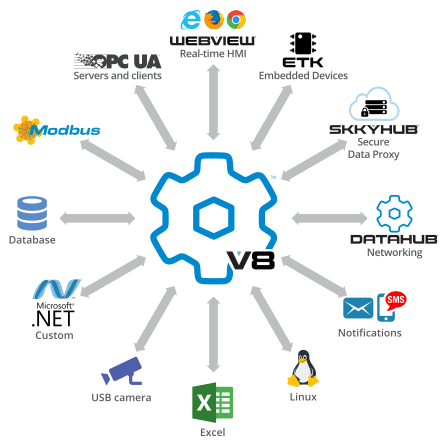
By now, I’m sure you’re aware of the Cogent DataHub v8 release. Since announcing the release date, we have had many good questions from existing users like you.
This blog post will address the most common questions we have received and provide the answers you need to plan your DataHub V8 migration.
What Can Cogent DataHub V8 Do For You?
4 min read
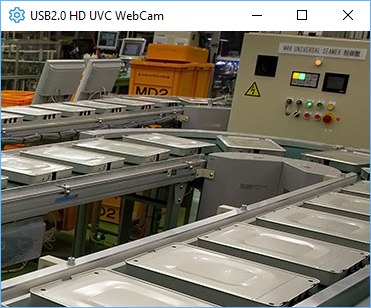
You may have heard about the upcoming release of Cogent DataHub Version 8 on March 1. The new features in Version 8 are focused on enabling the Cogent DataHub to deliver high-quality data communication – secure, fast, and fully integrated within the plant and beyond.
In this blog post, to give you a bit more insight into what you can expect, I will provide further details on each of the new features.
TOP Server Features to Be Excited About - Power & Utilities Suite
5 min read

One of TOP Server's key differentiators is the wide variety of different drivers/protocols to choose from for communicating with the multitude of device makes and models out there in the automation world. TOP Server has always had all of the major manufacturers like Allen-Bradley, Siemens, Omron, Mitsubishi and many more conveniently organized into driver suites.
So what about specific industries such as Oil & Gas, Manufacturing, Power & Utilities, Building Automation or IT & Infrastructure? TOP Server also has convenient vertical industry suites, as well.
Continuing our series about specific industries covered by TOP Server, keep reading to find out specific details about the TOP Server Power & Utilities Suite including several great features that should make your lives easier in TOP Server V6.0.
