Software Toolbox Technical Blog

Building Error Detection Codes for Custom Protocols

4 min read

By Kevin Rutherford on Mar 15, 2018 2:00:00 PM


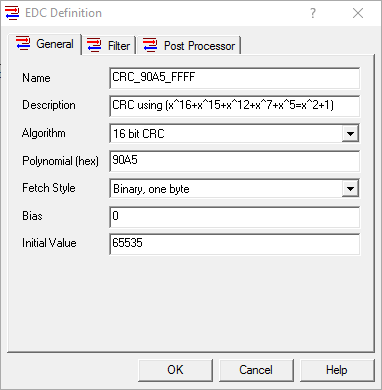
If you’ve worked with OmniServer to connect your non-standard devices in the past, you may be aware of the large number of pre-defined Error Detection Codes (EDC, also known as CRC, LRC and Checksums) available.  However, as is the nature of custom protocols out there, it’s not uncommon to find an EDC that isn’t pre-defined due to some specialized handling by the device manufacturer.

To that end, OmniServer provides the flexibility to define your own custom EDCs in an OmniServer protocol.  This post, the first of three on custom Error Detection Codes, will cover the basics of creating a simple custom checksum in OmniServer.

Continue Reading

3 Reasons to Be Excited about OPC Data Client 2018.1 Release

4 min read

By John Weber on Feb 14, 2018 2:00:00 PM


Our latest release of the OPC Data Client development toolkit provides some exciting new features for leveraging powerful OPC UA technology features including OPC UA complex data support.

In this post, we will cover some of the key reasons the OPC Data Client 2018.1 is an easy, effective method for bringing the power of OPC UA to your custom client applications.

Continue Reading

Video Tutorial: Sending Email & SMS Alerts Triggered by Process Values

1 min read

By Win Worrall on Jan 25, 2018 2:00:00 PM

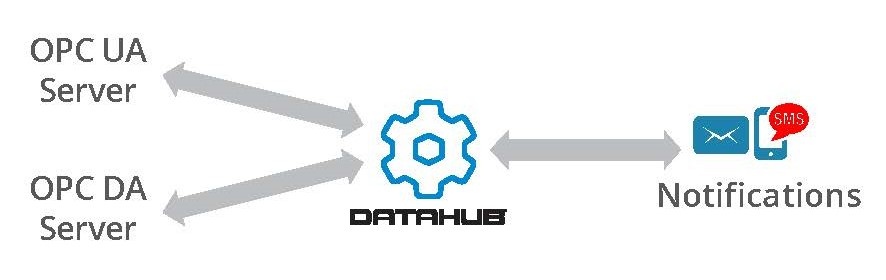
Timely notifications about abnormal conditions in your process are vital to minimizing downtime and the costs associated with it.  Automating the process based on the condition of specific process variables gets you the information you need for making decisions as quickly as possible.

The following short video blog demonstrates step-by-step how easy it is to use the Cogent DataHub to establish a connection to an OPC data source and then define various flexible conditions for triggering email and/or SMS text notifications based on values collected from that OPC server.

Continue Reading

No Code How to Implement Custom Protocols for Non-Standard Devices

6 min read

By Kevin Rutherford on Dec 21, 2017 2:00:00 PM


So remember in our blog post last month where you just have a protocol document from the manufacturer for a device you need to integrate with your control system?  And for this new device, there is no existing, off-the-shelf connectivity driver or server available.

And remember asking yourself, “How do I connect to this non-standard device?”  With custom software development being very expensive and time-consuming, we discussed a better way using OmniServer.

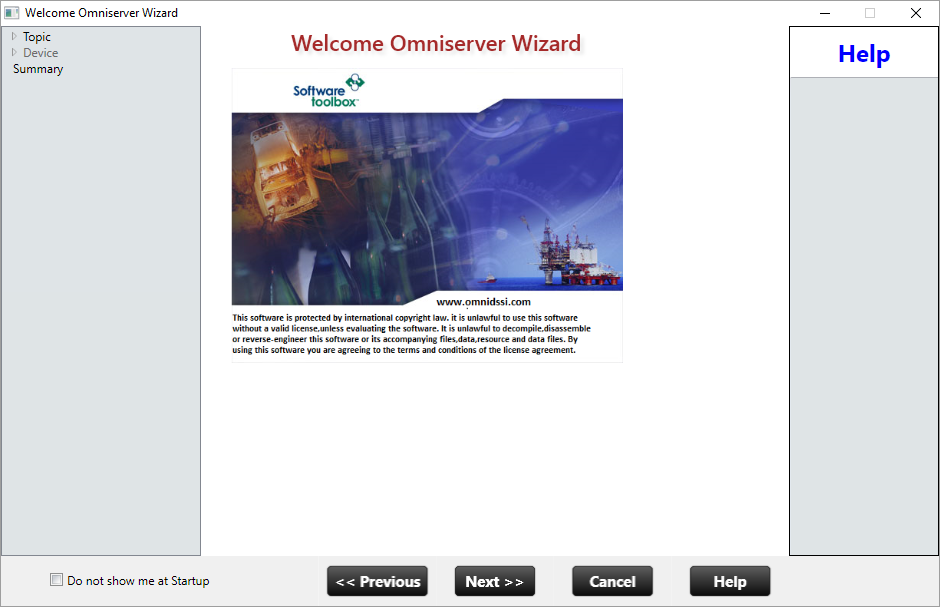
This post, the second of three, goes beyond the protocol details we gathered from the document in our blog post last month to provide the basics on how to actually use those details to build a working protocol in OmniServer without custom code for a fast, affordable solution with industry-standard client interfaces including as OPC DA and UA.

Continue Reading

Your Protocol Document and Integrating a Non-Standard Device

10 min read

By Kevin Rutherford on Nov 9, 2017 2:00:00 PM


So you've been tasked with bringing data from a new device (maybe a weigh scale or barcode scanner or RFID system) into your HMI/SCADA system.  But you just have a protocol document from the manufacturer.  And for this new device, there is no existing, off-the-shelf connectivity driver or server available.

So what now? Do you contact a custom software development house?  That gets very expensive and time-consuming very quickly.

This post, the first of three, goes through what to look for in that protocol document from the manufacturer to know how to begin using OmniServer to integrate your device without requiring custom code in a fast, affordable manner that provides industry-standard client interfaces such as OPC DA and UA.

Continue Reading

Video Tutorial: Using Topic Variables in an OmniServer Protocol

1 min read

By Kevin Rutherford on Oct 19, 2017 2:00:00 PM


A Topic Variable is a flexible special OmniServer element that gives you the ability to define a device specific variable such as a Device ID at the OmniServer topic level.  This effectively makes your OmniServer protocol reusable for those devices using the same protocol, since you can now specify the value of the variable when creating the OmniServer topic instead of creating a protocol for each device with the value hard coded.

In this video blog, I show you how to get the most from your OmniServer by using topic variables with your protocol to reduce your engineering time and effort to create an OmniServer protocol.

Continue Reading

Top 3 TOP Server V6.3 Features to Be Excited About

5 min read

By Kevin Rutherford on Sep 28, 2017 2:00:00 PM


You've probably either received one of my emails or possibly heard from a colleague about our latest TOP Server release – so you may have a general idea of the key new features in the TOP Server V6.3 release.

In this blog, I'll go through the top 3 key features released in V6.3 in more detail and how they benefit you as a TOP Server user.

Continue Reading

TOP Server V6.2 for Wonderware - Siemens S7 Ethernet Auto-Tag Generation

5 min read

By Kevin Rutherford on Aug 17, 2017 2:00:00 PM


There are some nice, time-saving updates available in TOP Server V6.2.  In case you happened to miss it, I did a high-level post shortly after the release giving you an overview of the four biggest features from V6.2 - click here to see that post.

Today, I'd like to go into the latest update to the Siemens S7 Ethernet driver in TOP Server V6.2.  Keep reading to find out about updates to the automatic tag generation functionality in the S7 Ethernet driver for supporting the latest Siemens programming package, TIA Portal.

Continue Reading

About this Blog

We're engineers like you, so this blog focuses on "How to" appnotes, videos, tech team tips, product update announcements, user case studies, and other technical updates.  Subscribe to updates below. Your feedback and questions on posts are always welcomed.

Subscribe to our Blog

Recent Posts

Posts by Topic

See all