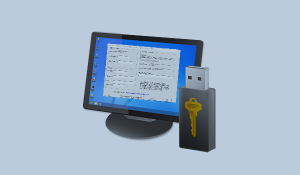
Software-based licensing is a commonality among software solutions across all industries, not just industrial process control. It's flexible, doesn't require physical shipping and is very reliable. But some system architectures can ultimately benefit from another licensing option - hardware keys.
Hardware key licensing is invaluable for high-availability systems for a number of reasons. We've recently expanded licensing support in OmniServer, the proven OPC solution for integrating non-standard devices that don't have an off-the-shelf driver, to include optional hardware key support.
In this blog post, we'll cover the key reasons that hardware key licensing is beneficial for many OmniServer users.