Software Toolbox Technical Blog

Video Tutorial: Real-Time Collection for AB Logix Family Controllers

1 min read

By Lauren Conrad on Sep 22, 2022 2:00:00 PM


Allen-Bradley's Logix family of PLCs and PACs is one of the most popular controllers across many automated industries. If you're reading this, you likely have at least one Logix controller being used in your industrial process and need to integrate data from that process.

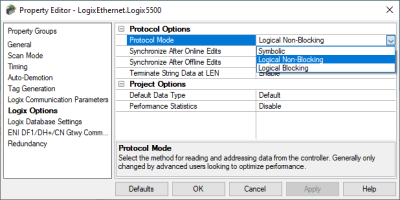
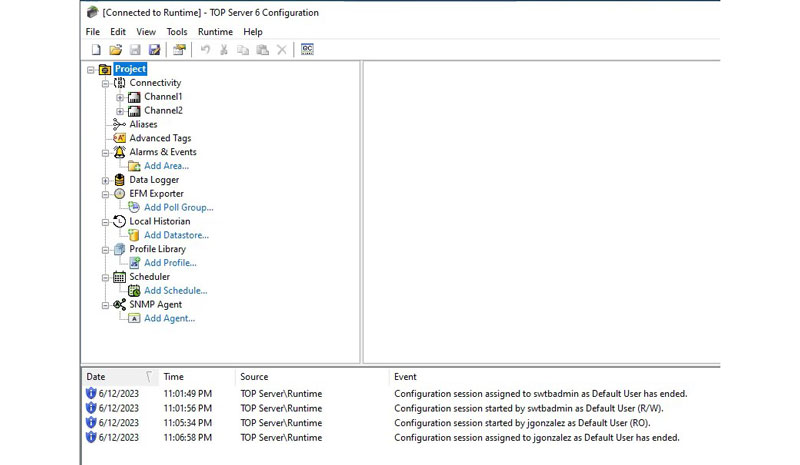
In this video blog, I'll show you how to get started using our ControlLogix Ethernet driver to connect and gather real-time process data from Logix controllers for HMI, SCADA, MES and other client applications.

Continue Reading

Understanding OPC UA Certificates and Certificate Authorities

5 min read

By Zachary Parham on Jul 14, 2022 2:00:00 PM


If you use OPC UA, you are likely at least somewhat familiar with OPC UA certificates. OPC UA client and server applications typically have Application Instance Certificates to provide application-level security. They are used for establishing a secure connection using Asymmetric Cryptography.

OPC UA certificates include a digital signature by the generator of the certificate. This digital signature can be self-signed or can be signed by a Certificate Authority (CA). Both types of certificates provide the same level of security and can be used in Asymmetric Cryptography. The major difference between CA signed and self-signed certificates in an OPC UA installation is the effort required to deploy and maintain the certificates. The choice of when to use a CA issued certificate versus a self-signed certificate depends on the installation and site requirements.

Many of our products leverage the OPC UA Configuration tool from the OPC Foundation to create and trust certificates and certificate authorities (CA). This tool actually installs with our OPC Data Client toolkit but is also available from the OPC Foundation. But how do we navigate this tool and the use of OPC UA certificates as a whole?

In this blog post, we will cover both methods of UA certificate signing, as well as the tool mentioned above for easily managing UA certificates for your OPC UA applications.

Continue Reading

Accessing AVEVA System Platform with TOP Server via OPC UA

12 min read

By Kevin Rutherford on Jun 30, 2022 2:00:00 PM


Are you an AVEVA System Platform user but you also have some other client or system (HMI, SCADA, other) and need that system to access data from System Platform?  It's a use case that sometimes occurs if your company is acquired another company and a non-AVEVA HMI/SCADA came as part of the assets.  Or perhaps your company merged with another and now your AVEVA system is expected to integrate with other systems.  Your options for sharing data largely depend on what software interfaces these "other systems" support.

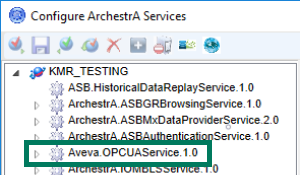
In this blog post, I'll discuss how to share your AVEVA System Platform 2020 (or newer) data via OPC UA (without using OI Gateway) using the TOP Server OPC UA Client driver for situations where you have another non-OPC UA capable client application that needs access to process data in your AVEVA system.

Continue Reading

Video Tutorial: Real-Time Collection for Siemens S7 Plus Ethernet

2 min read

By Kevin Rutherford on May 26, 2022 2:00:00 PM


If you're reading this, you likely have at least one Siemens S7 PLC on your network being used in your industrial process and need to integrate data from that process. And, like many of our Siemens users, you're likely interested in accessing symbolic references (versus the traditional Siemens variable addresses) supported by newer S7 controllers.

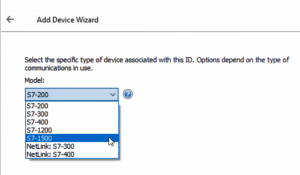
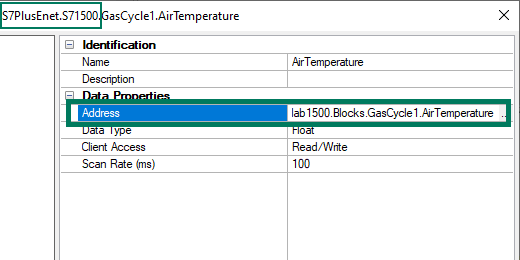
In this video blog, I'll show you how to get started using our Siemens S7 Plus Ethernet driver (part of the Siemens S7 Plus Suite) to connect and gather real-time process data from Siemens S7-1500 and S7-1200 PLC symbolic variables/tagnames for AVEVA Wonderware applications.

Continue Reading

Tech Support Corner: How to Script Wireshark Capture

5 min read

By Rodrigo Restrepo on May 19, 2022 2:00:00 PM


As you may be aware, Wireshark is an incredibly useful freeware tool for capturing network traffic on a computer. Our support engineers find it to be invaluable for troubleshooting Ethernet communications issues, as it provides visibility into more than just the protocol data packets, including handshaking calls and responses.

Wireshark also provides options for specifying capture filters (for defining a smaller subset of data to be captured that you're interested in) or you can capture all traffic and apply a display filter to narrow down the traffic that is visible.

Continuing our Tech Support Corner blog series, this blog post covers how to go even further using Wireshark by defining scripted custom Wireshark captures for specific use cases, which is helpful for capturing infrequent issues without wasting a lot of unnecessary hard drive space.

Continue Reading

Tech Support Corner: Using PowerShell to Troubleshoot TCP Ports

4 min read

By Rodrigo Restrepo on May 5, 2022 2:00:00 PM


Do you find yourself in need of troubleshooting a TCP connection, but your IT department has everything locked down, so you're unable to install third-party Troubleshooting tools without permission? An often overlooked but effective tool for troubleshooting TCP socket connections is PowerShell.

Continuing our Tech Support Corner blog series, this blog post covers how to use PowerShell to effectively determine what issues you may be having with a problematic TCP Ethernet connection.

Continue Reading

TOP Server for AVEVA V6.11 Features to Be Excited About

7 min read

By Kevin Rutherford on Jan 6, 2022 2:00:00 PM

In keeping with ongoing continuous improvement initiatives, TOP Server for AVEVA V6.11 adds drivers, as well as enhancing existing drivers and resolving known issues for over 30 drivers and plug-ins.

In this post, we'll cover the key features released in V6.11 in more detail, namely the new Siemens S7 Plus Ethernet driver with symbolic address support for S7-1500 and S7-1200 controllers, several powerful scalability enhancements for BACnet and important updates to several oil and gas drivers, including how they benefit you as a TOP Server user.

Continue Reading

Tech Support Corner: Secure UA Authentication with Cogent DataHub

4 min read

By Win Worrall on Dec 16, 2021 2:00:00 PM


If you've seen our other, more detailed posts (specifically our Exploring OPC UA post and the DataHub OPC UA video how-to) on getting Cogent DataHub working with OPC UA clients and servers, you are probably already familiar with configuring Cogent DataHub for secure access from an OPC UA client. However, we are commonly asked how to quickly get the DataHub OPC UA server interface ready for an OPC UA client to securely connect for accessing data from the variety of other interfaces that DataHub supports.

Continuing our Tech Support Corner blog series, this short post covers just the basics for setting up the Cogent DataHub OPC UA server interface to use the highest level of security and to require a client to specify a username and password for authentication.

Continue Reading

About this Blog

We're engineers like you, so this blog focuses on "How to" appnotes, videos, tech team tips, product update announcements, user case studies, and other technical updates.  Subscribe to updates below. Your feedback and questions on posts are always welcomed.

Subscribe to our Blog

Recent Posts

Posts by Topic

See all