Software Toolbox Technical Blog

Lower Your Non-Standard Protocol Configuration Time by Up to 40%

2 min read

By Kevin Rutherford on Jan 16, 2020 2:00:00 PM


Those of you even somewhat familiar with OmniServer are likely aware that OmniServer is frequently used for accessing information from devices that use ‘non-standard’ protocols including such devices as weight scales, barcode readers, and printers either over serial connections or Ethernet connections.

Over the past several years, we've been working to evolve the OmniServer user experience with the goal of making it easier and more efficient to build a non-standard protocol/driver.

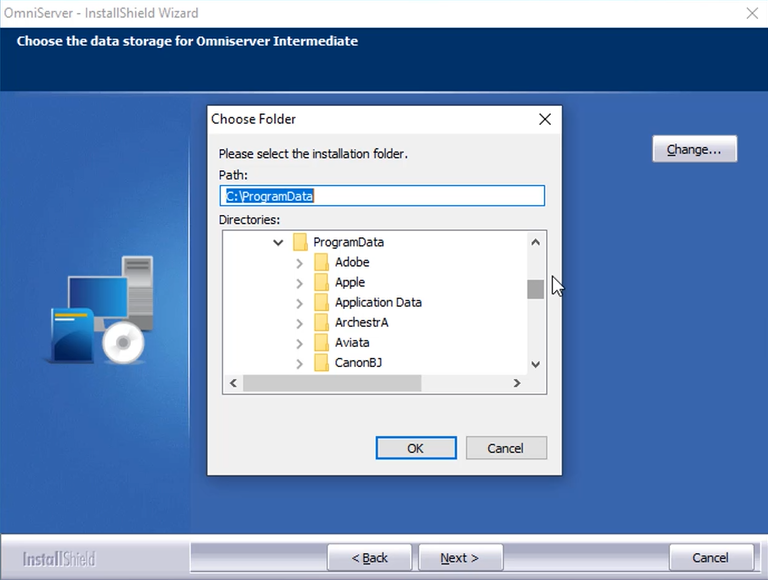
In this video blog post, we will step through the most powerful features of the new visual protocol editor for OmniServer, demonstrating the key enhancements to the user experience that will make integrating your non-standard devices easier and faster than ever.
Continue Reading

Tech Support Corner: Adding Drivers to an Existing TOP Server Install

1 min read

By Kevin Rutherford on Oct 24, 2019 2:00:00 PM


If you're a TOP Server for Wonderware user, it's possible you've gone to configure a channel using a driver you've never used before but couldn't find it in the available driver list.  This can be confusing, especially if you weren't the user that installed TOP Server.  It is, however, an easy fix.

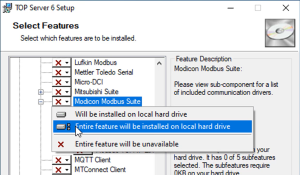
Continuing our Tech Support Corner blog series, this video blog post covers how to easily add additional drivers to an existing TOP Server install from the long list of available drivers.

Continue Reading

Video Tutorial: Key New Features - OmniServer V3.1.0.9

2 min read

By Kevin Rutherford on Oct 17, 2019 2:00:00 PM


As part of our continuous improvement process at Software Toolbox, OmniServer is updated several times a year to add additional useful features and tools, and to resolve any known issues.

In this video blog, I will cover updates and enhancements available in OmniServer V3.1.0.9 to help you with flexibility and testing while connecting to all of your non-standard devices.

Continue Reading

Top 4 Dream Report Features to Be Excited About in the V5.0 R2 Release

3 min read

By Kevin Rutherford on Sep 19, 2019 2:00:00 PM


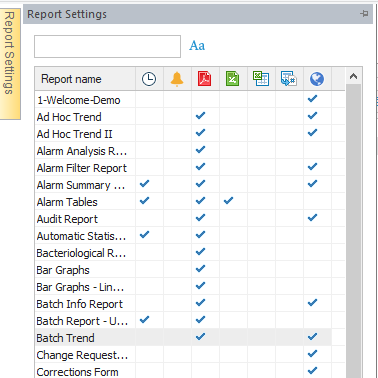
As you are probably aware, Dream Report is a real-time report generator and dashboard solution that is quickly and easily configurable through an easy-to-use interface with flexible options relating to not only collection and archival of data and alarms but also for analysis.

In this post, we'll go through four key features of the V5.0 R2 release of Dream Report and how they benefit existing and new Dream Report users.

Continue Reading

Video Tutorial: Real-Time Collection for Omron NJ & NX Controllers

1 min read

By Kevin Rutherford on Sep 12, 2019 2:00:00 PM


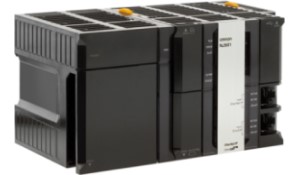
If you're reading this, you likely have at least one Omron NJ or NX Series controller being used in your industrial process and need to integrate data from that process.

In this video blog, I'll show you how to get started using our Omron NJ/NX Ethernet driver to connect and gather real-time process data from Omron NJ and NX controllers for Wonderware applications.

Continue Reading

Tech Support Corner: DCOM Horror Story - Part 1 - When Cortana Loses Her Voice

6 min read

By Kevin Rutherford on May 16, 2019 2:00:00 PM

Any OPC Classic user in the industrial automation industry has almost certainly had their interactions with Windows DCOM security.  And most, if not all, are stories that we all shake our heads at and nod in understanding of the difficulties of traversing the pitfalls of DCOM security configuration.

In this first part of a "DCOM Horror Stories" sidebar to our continuing Tech Support Corner blog series, this blog post covers a DCOM user scenario involving the Microsoft Windows Cortana search capabilities being sidelined by DCOM security misconfiguration. Additionally, it covers what options are out there for avoiding DCOM entirely for situations like this.

Continue Reading

Tech Support Corner: Defining a TOP Server Administrator Password

3 min read

By Kevin Rutherford on Apr 25, 2019 2:00:00 PM


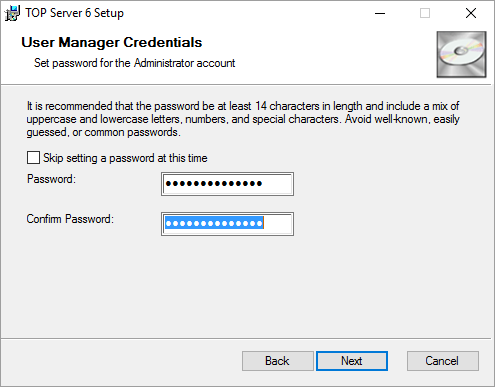
If you're a TOP Server for Wonderware user, you may or may not be aware of the built-in User Manager that allows you to define user roles and associated permissions when accessing your TOP Server configuration.  As security continues to be a key focus for many process industries, keeping your process communications secure is as important as ever.

Continuing our Tech Support Corner blog series, this blog post covers how TOP Server for Wonderware now prompts users to specify an Administrator password during the installation process to ensure your TOP Server is as secure as possible.

Continue Reading

Tech Support Corner: Virtualization Best Practices for TOP Server for Wonderware

4 min read

By Kevin O'Connor on Apr 18, 2019 2:00:00 PM


If you're familiar with the term high availability, then you're also more than likely at least aware of virtualization environments such as VMWare and Hyper-V.  As computer hardware specifications have grown exponentially over the years, virtualization is more and more becoming the norm for hosting of automation control systems.

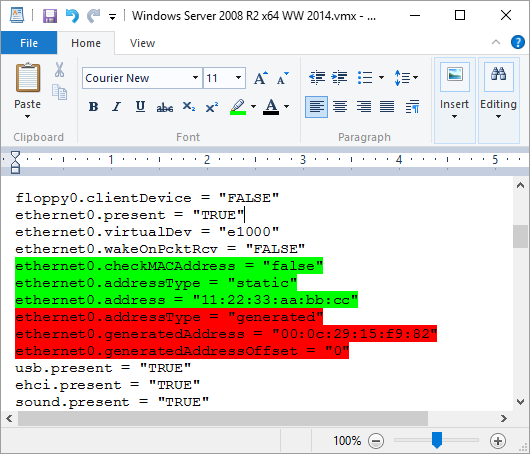
A common question that our support engineers at Software Toolbox receive from new and veteran TOP Server for Wonderware users alike is whether TOP Server supports virtual environments, which ones and what are the best practices.

Continuing our Tech Support Corner blog series, this blog post covers best practices with respect to using TOP Server for Wonderware in virtualization environments such as VMWare and Hyper-V.

Continue Reading

About this Blog

We're engineers like you, so this blog focuses on "How to" appnotes, videos, tech team tips, product update announcements, user case studies, and other technical updates.  Subscribe to updates below. Your feedback and questions on posts are always welcomed.

Subscribe to our Blog

Recent Posts

Posts by Topic

See all