Software Toolbox Technical Blog

Video Tutorial: Data Collection from DNP3 RTUs & Devices

3 min read

By Lauren Conrad on Feb 29, 2024 2:00:00 PM

DNP3 (Distributed Network Protocol) is a communications protocol primarily used for communications between a client application such as HMI, SCADA, or Historian and Remote Terminal Units (RTUs) or Intelligent Electrical Devices (IEDs). Originally designed for power distribution and transmission, the DNP3 protocol has also found a home in water/wastewater, oil & gas, and transportation thanks to its robust error checking and if applied properly, efficient bandwidth usage.

If you're reading this, you may be a part of one of these industries and might have a DNP3 RTU being used and need to integrate data from that process. If so, we can certainly help with that. A newer application of DNP3 is in the Emerson FB-3000 RTU's used in oil & gas. Our FB-3000 EFM Exporter leverages the TOP Server DNP3 driver to generate FlowCal CFX export files.

The TOP Server DNP3 Client Suite supports data access from any device supporting the DNP3 protocol that acts as a server, over serial or Ethernet connections, wired or wireless/radio.

Our DNP3 drivers also boast deep functionality advantages including things like:

  • Automatic Tag Generation support for Channel and Device Configuration, Authentication Statistics, Data Set, Device Attribute, and File Control
  • Support for Integrity & Event polls across multiple classes that users define in the RTU to provide different frequency of retrieval for different points
  • Unsolicited messaging from the devices on conditions defined in the RTU
  • Analog deadband configuration
  • Secure DNP3 Support (Configurable User Authentication, Aggressive Mode support, User Key Management, Auto-generated internal Authentication Statistics tags)
  • Preservation of timestamps set in the device
  • WITS Phase 1, 2, and 3 support for the water industry
  • File transfer support (critical for Emerson FB-3000 devices, and used by some devices for remote configuration file upload and activation)

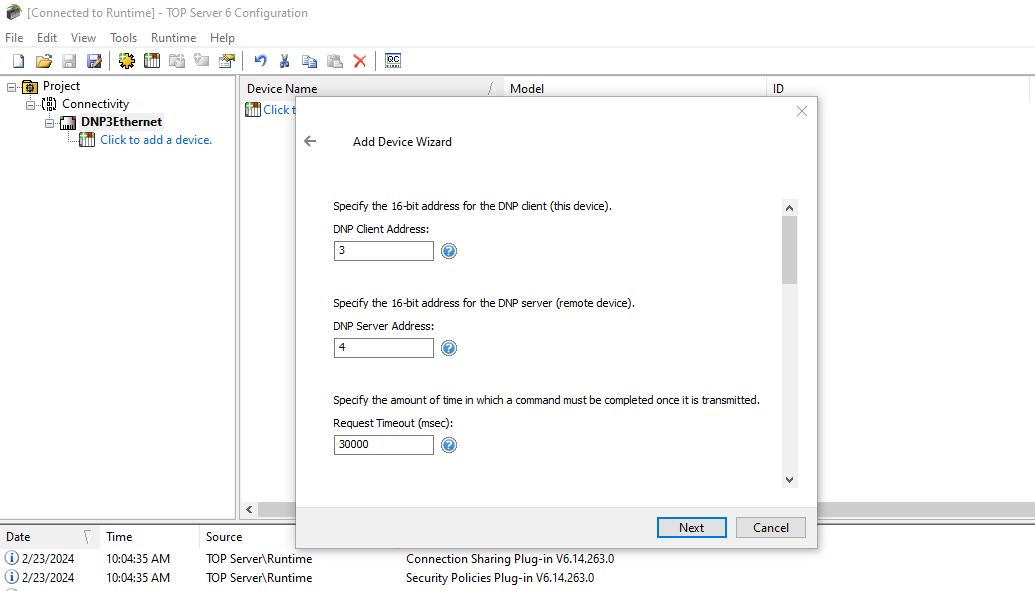
In this video blog, we'll show you how to get started using our TOP Server DNP3 Client Ethernet driver to connect and gather process data from a DNP3 device for HMI, SCADA, Historian, MES, and other client applications. For a deep dive into how DNP3 polling works and is different, for good reasons, than many protocols, read our DNP3 Polling Behavior technical blog.
Continue Reading

Video Tutorial: Getting Started with OPC Router Project Development

2 min read

By Nicole Knox on Feb 22, 2024 2:00:00 PM

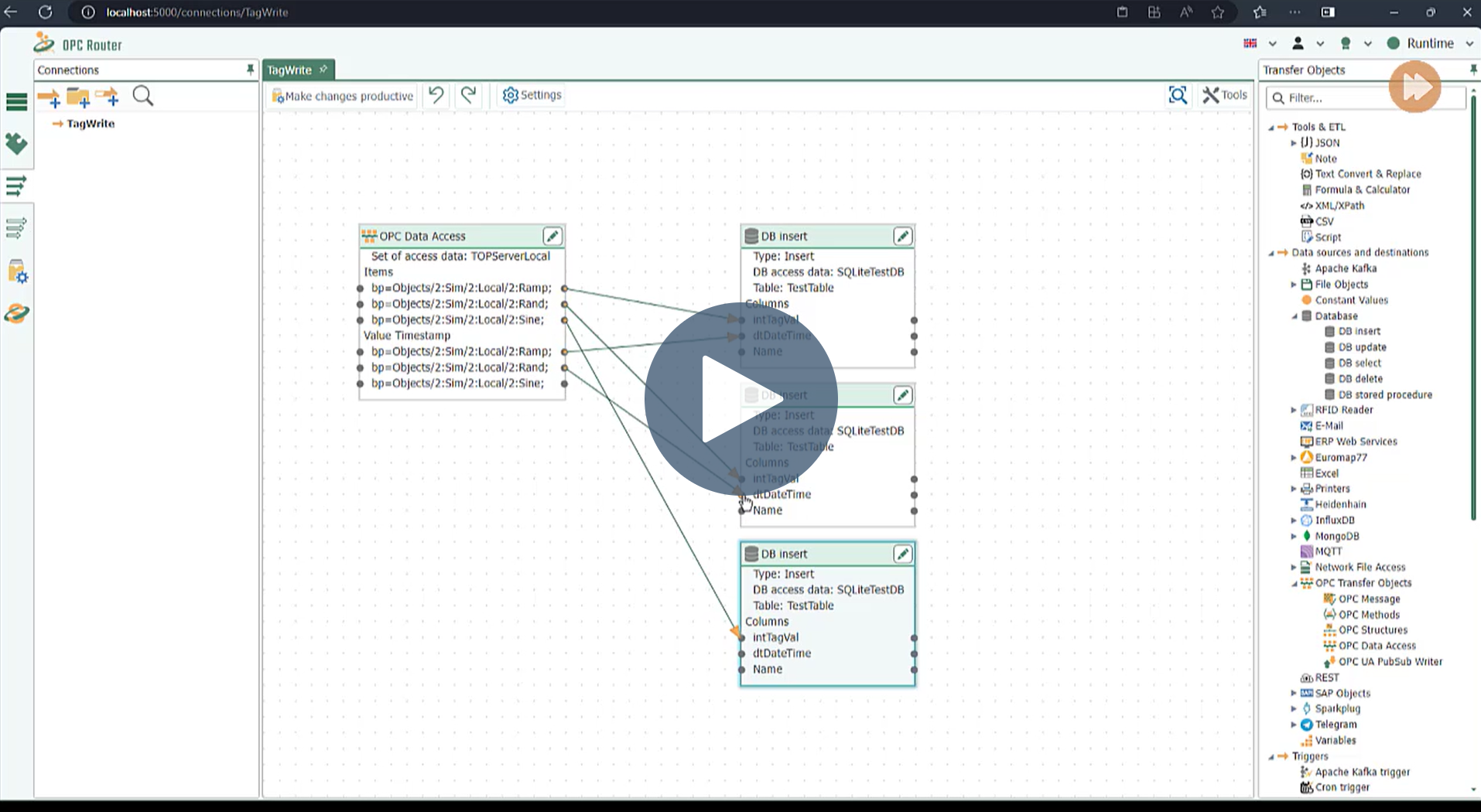
OPC Router is a powerful tool that can be used to easily integrate large quantities of data from a variety of sources using its modular configuration, adding value to a variety of industrial, business (ERP/SAP), and IoT data systems. It's drag and drop visual workflows result in reduced engineering time and risk in Industry 4.0, IIoT, and Digital Transformation applications. When combined with Software Toolbox's OPC server offerings and other automation software, plus decades of expertise in automation, the results are rapid time-to-value solutions.

In the following getting started video, we'll walk through a simple example to show you the fundamentals of developing a project in OPC Router. You'll learn how to comfortably navigate the configuration & runtime troubleshooting interface and how to verify that your setup is functioning properly. This process will also give insight into the building blocks that make the product so flexible and adaptable to many different use cases.

Continue Reading

Logging OPC Data with Custom Time Formats

4 min read

By Connor Mason on Feb 15, 2024 2:00:00 PM

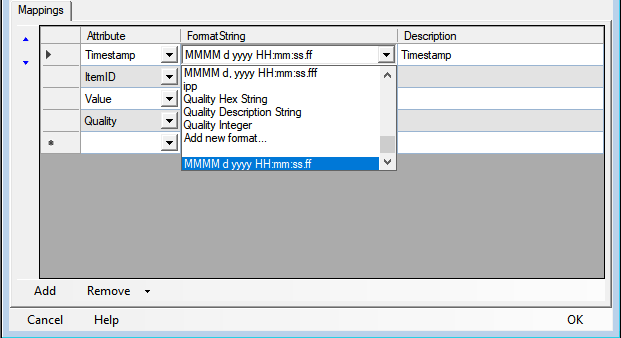
When logging data to a database or text file, the way that data is presented is essential due to the implications it has for who, or what, is reading this data to make decisions. Without the correct configuration of the data’s timestamps, records can easily become misinterpreted or sorted in non-chronological order by further systems. It’s critical that your data logging solution provides flexibility to get your data when you want it, how you want it, and stored the way you want it. Providing full control of the timestamp format for many users is not just a feature of our OPC Data Logger, but a requirement based on other connected systems and standards. Customizable Time Formats is the focus of today’s blog, but it is just one of the OPC Data Logger’s many flexible features that have our fans raving over it.

Continue Reading

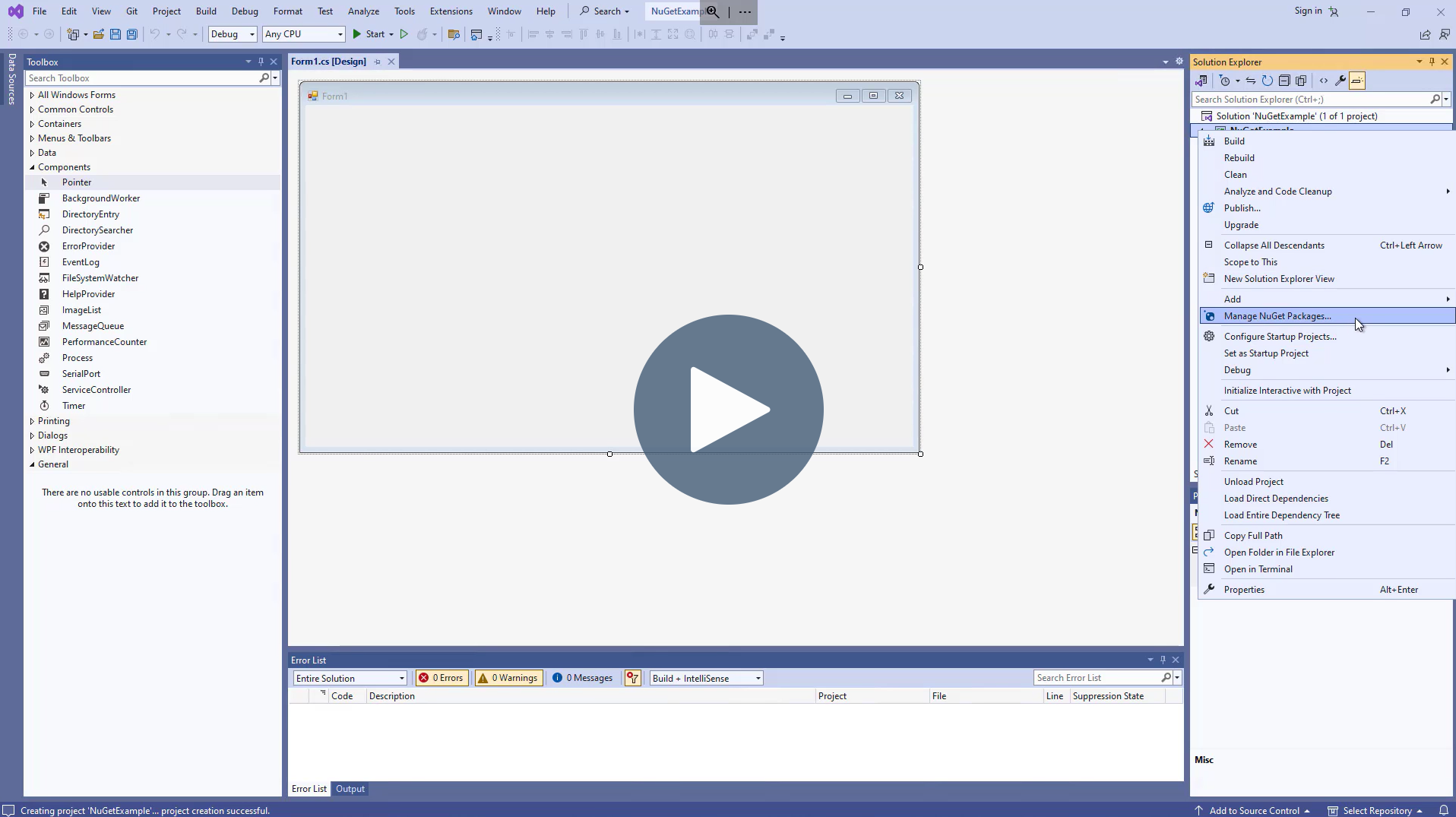
OPC Data Client and NuGet: The What, Why, and How

5 min read

By Zachary Parham on Feb 8, 2024 2:00:00 PM

Software Toolbox has been a fixture in the automation industry since 1996, offering software tools and components from project conception to completion. Our expert staff is committed to helping customers leverage current technologies while offering ways to enhance or expand systems and approaches to achieve even greater returns. When it comes to our OPC Data Client Development Toolkit, that promise remains the same, and we want to help you make the best decisions for your development workflow.

The OPC Data Client has offered the usage of NuGet packages since 2016 as an alternative to adding assembly references via the components when writing custom OPC client applications. As our users have moved towards the use of NuGet, we made this a requirement for .NET Framework beginning with our V2022.2 release. In this blog post and accompanying video, we will cover what NuGet is, when to use it, and how to use it if it makes sense for your requirements.

Continue Reading

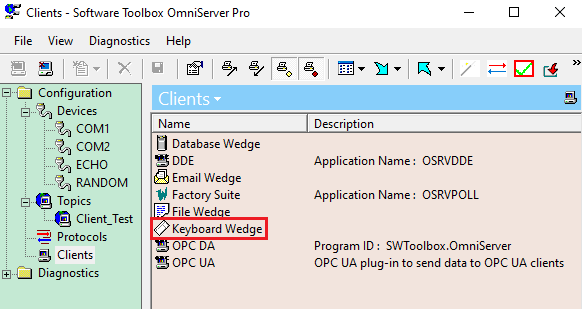
Automating Data Entry from Test Stand & QC Devices as Keyboard Input

9 min read

By Jessica Dillon on Feb 1, 2024 2:00:00 PM

Unlike off-the-shelf OPC servers and drivers that talk to specific devices or protocols and no others, OmniServer can be configured to talk to virtually any device or combination of serial, USB, or Ethernet connected devices with some outliers based on the complexity of the protocol. OmniServer helps you bring data that would otherwise be inaccessible into your process and business systems, helping you make more effective decisions. In our experience there are still many software applications that do not have open interfaces such as OPC for data input. This is particularly common in quality control and test stand applications. Operators use a digital device to capture a measurement, and then have to type that into their test stand or QC software. This slows testing rates and can be error prone. There is a better way. 

Continue Reading

2024 Automation & Control Software Learning Resources

8 min read

By John Weber on Jan 25, 2024 2:00:00 PM


Welcome to our most popular blog post of the year! Each year we publish this blog post to help you learn, grow, and support empowering you to improve your business.

This post is our 7th annual sharing of references to learning resources including our ever hot Tech Support Corner, popular technical blog posts, and product capabilities that users have told us were the most helpful to them over the course of the last year.

2023 continued the challenges in supply chain, inflation, labor shortages, and exploding customer demand and in many cases technology continues to be a key part of dealing with the challenges.

Continue Reading

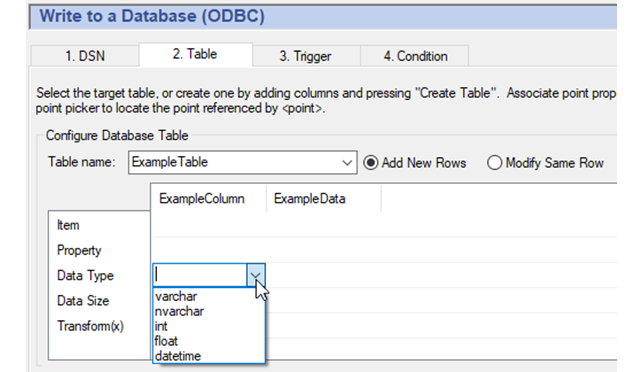
DataHub – 5 Quick Steps to Writing to a Database Table

10 min read

By Kyle Persyn on Jan 18, 2024 2:00:00 PM

If you've been keeping up with our previously released Cogent DataHub blogs, you're already aware that Cogent DataHub is renowned for its extensive connectivity. However, it's worth emphasizing that DataHub's connectivity includes MQTT, IoT, OPC DA, OPC UA, OPC UA Alarms & Conditions, OPC Classic Alarms & Events, Modbus, Excel, ODBC & more. These methods of connectivity help users realize that with DataHub, data has the freedom to seamlessly traverse across various platforms. We truly believe that "once the data is in DataHub, it can go anywhere, securely".

Continue Reading

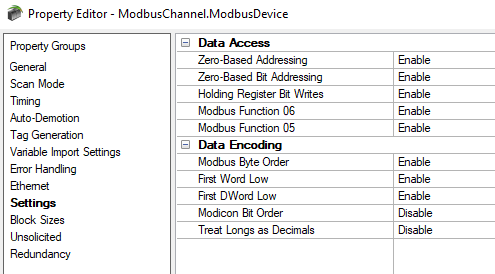
Why Are My Data Values Wrong? - Exploring Modbus TOP Server Settings

12 min read

By Ryan Royse on Jan 11, 2024 2:00:00 PM

In the world of industrial automation and control systems, communication protocols play a crucial role in ensuring seamless data exchange between devices. Modbus started as a protocol used in Modicon, now Schneider Electric, PLCs in the 1970’s. It was adopted across the industry for its clarity and simplicity. With any protocol, including and especially with Modbus, there are areas where the parties to the communication, the client and server, can interpret the bit stream of data differently once exchanged because the Modbus protocol specification does not speak to those interpretations.

Continue Reading

About this Blog

We're engineers like you, so this blog focuses on "How to" appnotes, videos, tech team tips, product update announcements, user case studies, and other technical updates.  Subscribe to updates below. Your feedback and questions on posts are always welcomed.

Subscribe to our Blog

Recent Posts

Posts by Topic

See all